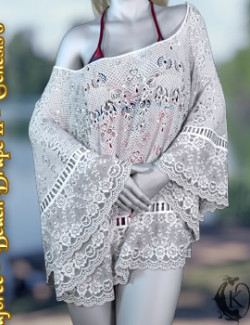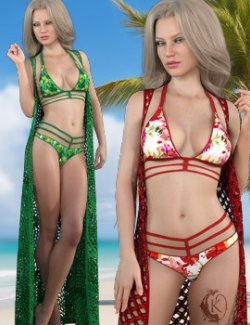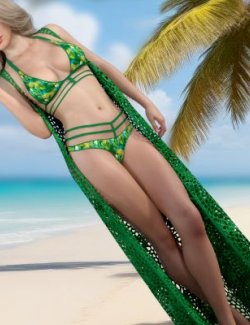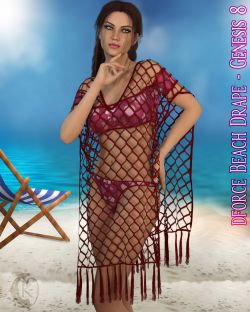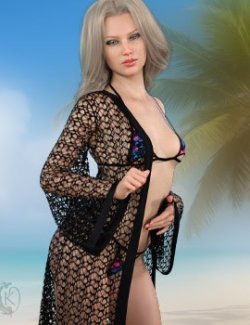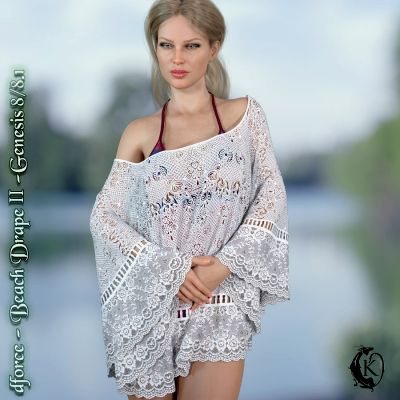
Stay cool in this sexy beach cover up. The perfect compliment to your favorite summer swimsuit.
Beach Drape includes:
1 Drape for Genesis 8/8.1
Detailed Textures
Bump and Transparency Maps
Materials:
10 Iray Materials for the Drape
Dress Morphs:
AdjustBreasts
AdjustShoulderLeft
AdjustShoulderRight
AdjustOverSwimsuit
AdjustBack
AdjustFront
CTRLBreastsImplants
CTRLBreastsNatural
Expand
FBM Karyssa 8 Body
FBM Kaylee 8 Body
FBM Mika 8 Body
FBMAiko8
FBMCharlotte8
FBMEva8
FBMFitnessDetails
FBMFitnessSize
FBMGirl8
FBMHonni8
FBMJacqueline8_1
FBMLatonya8
FBMMonique8
FBMOlympia8
FBMSahira8
FBMTasha8
FBMThin
FBMVictoria8
FBMVictoria8_1
FBMVoluptuous
FBMZelara8
PBMBreastsCleavage
IntoxicatingCleavage
KillerCleavage
PBMBreastsDiameter
PBMBreastsDownwardSlope
PBMBreastsGone
PBMBreastsHeavy
PBMBreastsPerkSide
PBMBreastsShape01
PBMBreastsShape02
PBMBreastsShape03
PBMBreastsShape04
PBMBreastsShape05
PBMBreastsShape06
PBMBreastsShape07
PBMBreastsShape08
PBMBreastsSize
PBMBreastsSmall
PBMBreastsUnderCurve
PBMBreastsUpwardSlope
PBMGlutesSize
PBMHipSize
When using over a swimsuit or other clothes use the included adjustment morphs as needed to adjust the drape over the swimsuit. Do this at frame one before posing the character. After simulaton you can increase these adjustment morphs as necessary if any pokethrough occurs after simulation.
dForce is required.
Simulations should be done using the following method:
1. Load the clothing item.
2. At frame 1 apply any style adjustments.
3. Move your timeline slider to frame 15 and apply any body shapes.
4. Move your timeline slider to frame 20 and apply your pose. Simulate using at least 60 frames for best results. More frames will allow your clothes more time to settle.
5. Animated simulation should be used with larger or more busty characters for best results. Current frame animation is best for thin and small character along with the defaultsimulation presets + the top hold and strap tight settings.
Please note that when using material presets from addons by other vendors they may alter the simulation settings. For this reason it is recommended that you apply the default simulation settings preset after applying any materials from addon packages.
Should you experience mesh explosions check for any parts of the G8 figure intersecting with itself during the animation. This is the most common cause of exploding mesh.
------------
Most body Morphs will work using autofollow technology. Some adjustment may be necessary in extreme poses or with extreme body shapes. Adjustment morphs are included to help with these situations as well as with posing. Autofollow morph results vary.