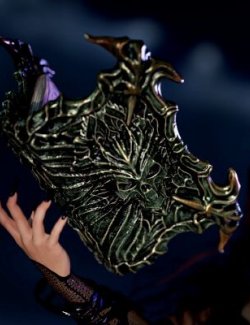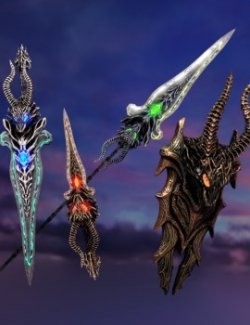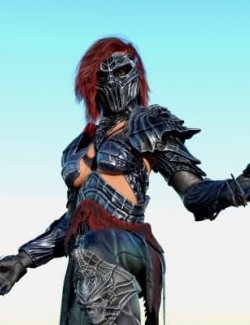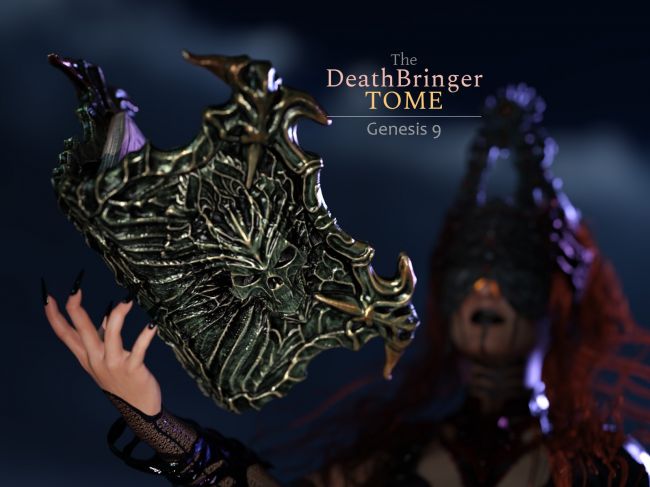
Here is another prop for the collection, designed in the same style as the DeathBringer Set and the Vampiric Throne (which, in hindsight, I probably should have called the "DeathBringer Throne," right?).
Regarding the "lore" of this product, I’ll let the promotional images tell the story this time. I wanted the visuals to speak for themselves.
⚙️ PRODUCT FEATURES
--------------------------------------------------------------------------------
The package includes:
○ DeathBringer Tome - Right Hand (Parented to Right Hand Anchor)
○ DeathBringer Tome - Left Hand (Parented to Left Hand Anchor)
○ DeathBringer Tome - Prop (Unparented. Located on the floor for easy placement on tables or any custom position).
○ DeathBringer Tome - Leathers (Shell): As this is a GeoShell, you must first select the DeathBringer Tome and then apply it from the library.
🎨 IRAY MATERIALS
--------------------------------------------------------------------------------
├─ 01 COVER - METALS
│ └─ 12 Metal colors.
│
├─ 02 COVER LEATHERS
│ └─ 19 Hierarchical Materials to apply different colors and leather types.
│
├─ 03 SYMBOLS V1
│ ├─ 2 Materials to Hide/Show the symbols.
│ ├─ 7 Materials to control Luminance.
│ └─ 8 Emissive color materials for each of the 3 symbols (24 total).
│
└─ 04 SYMBOLS V2 (Alternative Variant)
└─ 8 Emissive color materials for each of the 3 symbols (24 total).
🏃 POSES
--------------------------------------------------------------------------------
Includes 12 Partial Poses (per arm) used in my promo art:
○ Book on Hip, Book on Chest, Book under arm, and more.
These poses are designed for use with the book either semi-open or fully closed.
Use them as a starting point in conjunction with the "Tome_Open-Close" morph.
🛠 MORPHS & TECHNICAL NOTES
--------------------------------------------------------------------------------
To access morphs, select the figure (not the bone) > Parameters > Morphs.
■ Tome_Open-Close: Use this to fully open or close the book.
PRO TIP:
When loaded, the prop appears 100% open and slightly floating above the hand.
Due to the object's size, I chose to leave this "gap" so you can adjust it to
your liking. I recommend using the Open-Close morph to shut it slightly
before you begin posing.
For any further adjustments (Rotation, Scale, Translation), I highly
recommend selecting the corresponding "Hand Anchor Point," which can then
be saved as a pose preset.
The included poses already place the hand in a more natural "hold" position
to serve as a convenient starting point.
--------------------------------------------------------------------------------
Thank you for supporting my work! If you enjoy this product, please consider
leaving a review on the store page.
================================================================================
Compatible figures: Genesis 9
Software: DAZ Studio 4 With IRAY