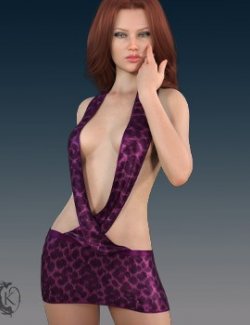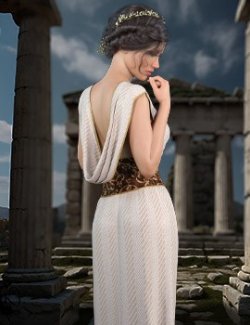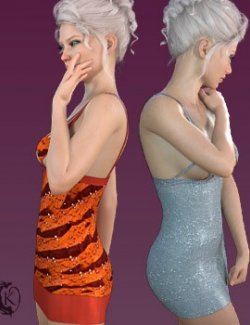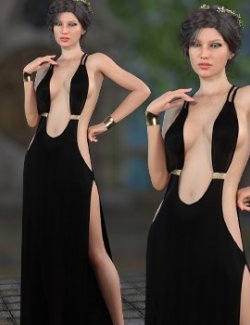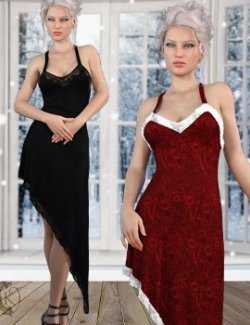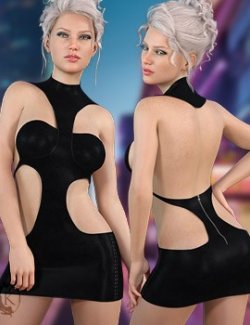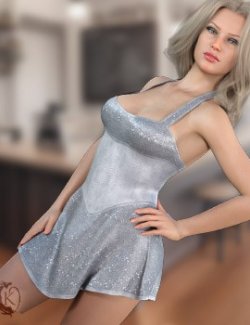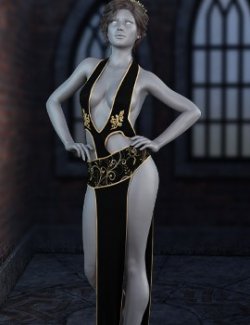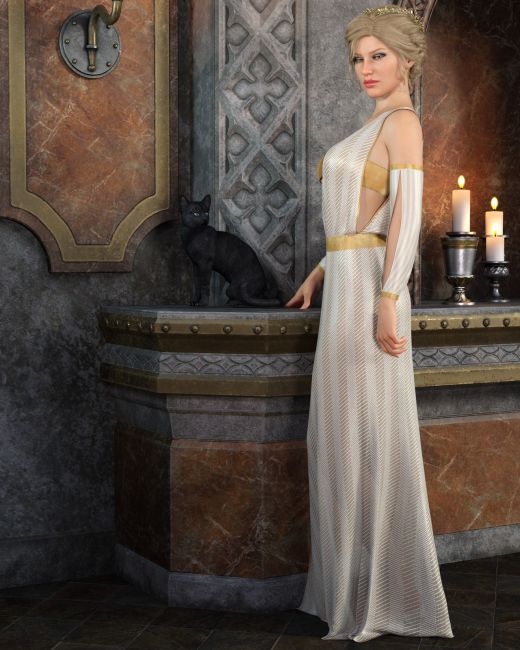
Channel celestial elegance and divine power with Asteria, a striking fantasy outfit designed to elevate your Genesis 8 Female renders to mythic heights.
Drawing inspiration from classic goddess silhouettes with a bold, contemporary fantasy edge, Asteria features a sweeping asymmetrical drape with a dramatic thigh high slit. The asymmetrical shoulder draped dress offers a refined balance of ethereal grace and sensual allure—perfect for high priestesses, celestial beings, or regal fantasy heroines. The outfit is completed with a bandeau top and panties and split sleeves. dforce is required for the dress and sleeves.
Asteria include:
1 Fantasy Gown for Genesis 8/8.1
1 Bandeau Top for Genesis 8/8.1
1 Panty for Genesis 8/8.1
Left and Right Sleeves for Genesis 8/8.1
1 Ground Plane
Detailed Textures
Bump and Transparency Maps
Materials:
7 Material Presets for the Dress
7 Material Presets for the Top
7 Material Presets for the Panty
7 Material Presets for the Sleeves
Simulation Settings
3 Simulation Settings for the Dress
1 Simulation setting for the Sleeves
dforce on and off Settings for the Top
Panties are not dforce
A Variety of Adjustment morphs are included to add to ease of use. Dynamic morphs are also included.
----------------------------------------------------------------
dForce is required for dress and sleeves, optional for the top.
Simulations should be done using the following method:
1. Load the clothing item.
2. At frame 1 apply any style adjustments.
3. Move your timeline slider to frame 15 and apply any body shapes.
4. Move your timeline slider to frame 20 and apply your pose. Simulate using at least 60 frames for best results. More frames will allow your clothes more time to settle.
5. Animated simulation should be used with larger or more busty characters for best results. Current frame animation is best for thin and small characters. Top Tight Setting is useful for small characters.
Please note that when using material presets from addons by other vendors they may alter the simulation settings. For this reason it is recommended that you apply the default simulation settings preset after applying any materials from addon packages.
----------------------------------------------------------------
Most body Morphs will work using autofollow technology. Some adjustment may be necessary in extreme poses or with extreme body shapes. Adjustment morphs are included to help with these situations as well as with posing. Autofollow morph results vary.
Thank you very much for your interest in my products :) Please add me as a favorite vendor and never miss a new release! Like Kaleya3d on Facebook for Promotions, Sneak Peeks and product announcements! https://www.facebook.com/kaleya3d/ You can also follow me on instagram for product images and sneak peeks https://www.instagram.com/kaleya3d/ Twitter @ShadowcatStudio
BlueSky https://bsky.app/profile/shadowcatstudios.bsky.social
Compatible figures: Genesis 8 Female, Genesis 8.1 Female
Software: DAZ Studio 4 With IRAY