PRODUCT NAME:
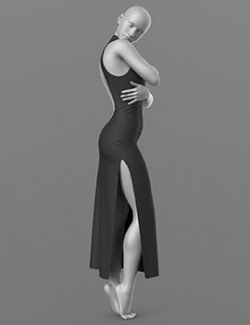
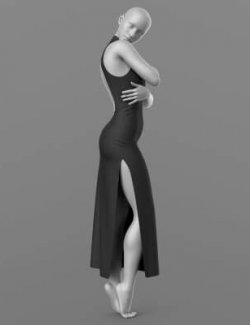
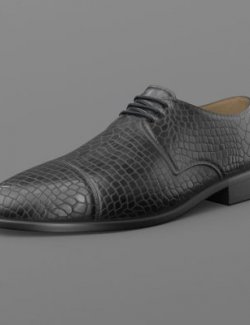
Evening Dress and Shoes
THE PRODUCT CONTAINS:
- Dress for Genesis 8
- Shoes for Genesis 8
ARCHIVE CONTAINS FORMATS:
- Evening_Dress.duf (model)
- Evening_Dress_MAT.duf (material 20 color)
- Shoes.duf (model)
- Foot Pose.duf (Heel pose)
- Shoes_MAT.duf (material 7 color)
- PNG (textures)
TEXTURES (4096 x 4096 .png):
- Set textures PBR (_AO, _BaseColor, _Height, _Metallic, _Normal, _Roughness, _Opacity)
COLOR VARIATIONS:
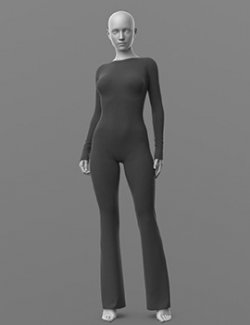
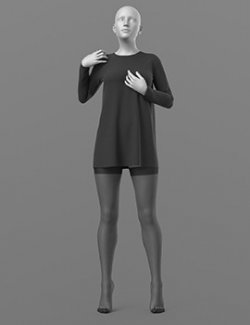
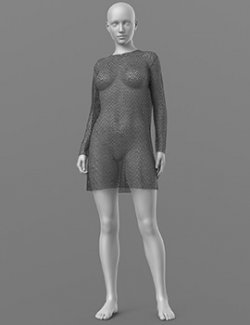
The archive contains 20 color variations of the textures for Dress. All of them are presented in the preview.
- White (Without Holes, Two Holes, Chest Holes, Belly Holes)
- Black (Without Holes, Two Holes, Chest Holes, Belly Holes)
- Red (Without Holes, Two Holes, Chest Holes, Belly Holes)
- Gray (Without Holes, Two Holes, Chest Holes, Belly Holes)
- Blue (Without Holes, Two Holes, Chest Holes, Belly Holes)
The archive contains 7 color variations of the textures for Shoes. All of them are presented in the preview.
- Red
- Purple
- Black
- Blue
- Brown
- Gray
- Green
If necessary, you can easily change the color of the model by changing it in the textures _BaseColor or apply a shade to the _BaseColor texture in the DAZ program settings.
INSTRUCTION MANUAL:
- Download the Genesis 8 avatar and upload model to the scene.
- Apply a pose to the avatar Foot Pose.duf (Bake Joint Rotations)
- Upload model Shoes.duf to the scene
- Apply the desired color of the material.
Creative success to you!
NOTE :
- dForce is configured for the model, this will allow you to apply the model in any pose.
- Added a morph that allows you to adjust the width of the Dress. This will allow you to wear a Dress over stockings, panties, etc.
- Added a morph that allows you to adjust the length of the Dress.
- With the help of customized shaders, you can adjust the number of cutouts on the front of the dress.
THANK YOU FOR YOUR PURCHASE!