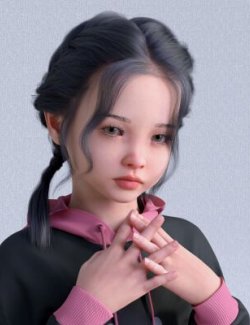
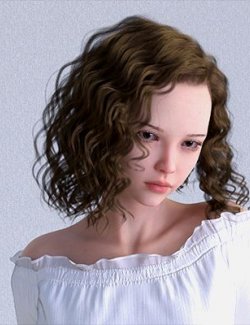
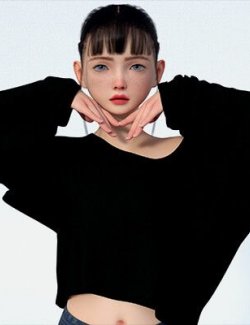
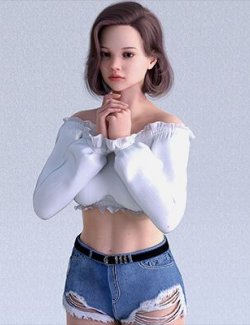
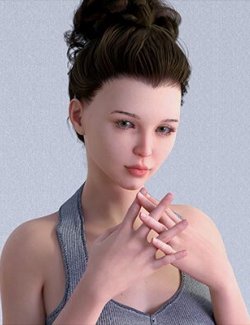
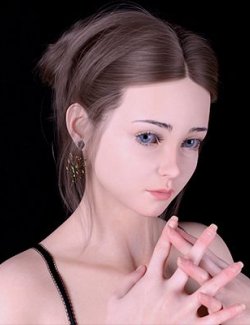
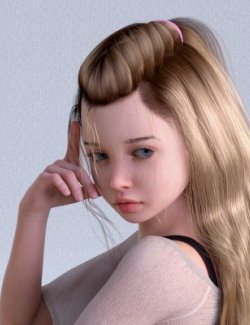
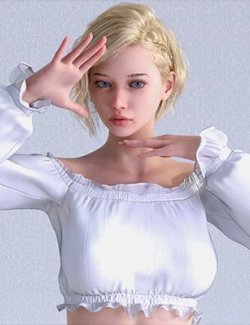
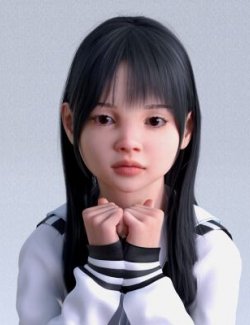
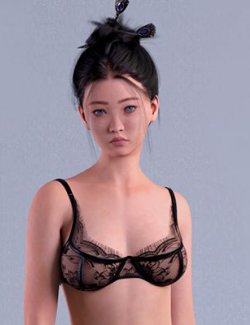
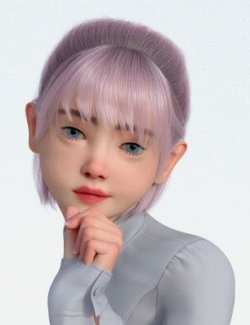
Meet the teen part of Victoria.
How to use:
Load up Genesis 8 or 8.1 and search for KAY Victoria teen in the parameters tab
KAY Victoria teen body add body shape
KAY Victoria teen head adds Head shape
KAY Victoria teen Full adds full shape with scaling applied
Alternatively go into your characters tab/folder and click on the shape you wish to apply Or load the full character preset
Victoria teen teen folder contains Four folders
Shape Folder
Materials Folder
Eyes folder
Makeup folder
Materials folder contains
Kay Victoria teen full mats without eyebrows
Kay Victoria teen full mats with eyebrows
4 eye colors
4 EyeLiner options
3 Lipstick options
Shapes folder contains
KAY Victoria teen Body Apply
KAY Victoria teen Head Apply
KAY Victoria teen Full Apply
The Full Shape Apply will apply Victoria teen Head and Victoria teen Body at 100% Plus Scaling.
NOTE> Hair and clothes used in promo NOT included.
If you have any problem or questions feel free to contact me.
And as allways, Have Fun Rendering.