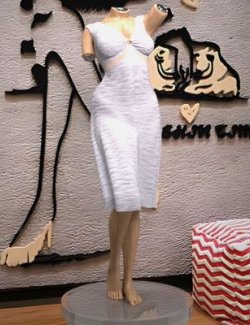
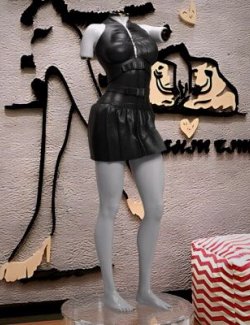
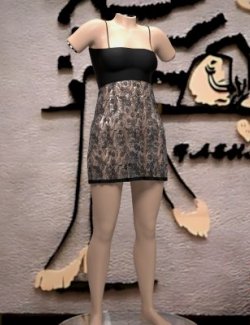
Rose Ruffle Dress Outfit for Genesis 9.
Add elegance and soft charm to your 3D library with the Rose Ruffle Dress Outfit for Genesis 9!
This beautifully detailed ensemble features a sleeveless floral lace mini dress paired with matching stylish open-toe slide shoes. The dress is fully prepared with dForce dynamic simulation, allowing it to drape naturally and realistically around your character in any pose.
What's Included:
!!!Load All Outfit!!!.duf – Quick preset to load the full outfit (Dress + Shoes) simultaneously.
Ruffle Rose Dress.duf – Individual dForce-enabled dress.
Ruffle Rose Shoes.duf – Individual open-toe slide shoes.
README Important Information – File containing helpful notes and usage details.
Directory Path in Daz Studio: Clothing > Max90 > Womanswear > Rose Ruffle Dress
How to Extract and Install (ZIP File):
Download: Save the downloaded .zip file to your computer.
Extract:
Windows: Right-click the .zip file and select "Extract All…" (or use tools like 7-Zip / WinRAR).
Mac: Double-click the .zip file to unpack it automatically.
Install: Copy or merge the extracted folders (e.g., Data, Runtime, People / Clothing) directly into your main Daz Studio content directory (typically named My DAZ 3D Library).
Locate: Open Daz Studio and navigate to Content Library > Clothing > Max90 > Womanswear > Rose Ruffle Dress to load your new outfit!