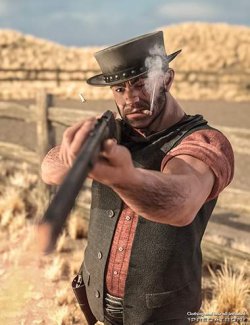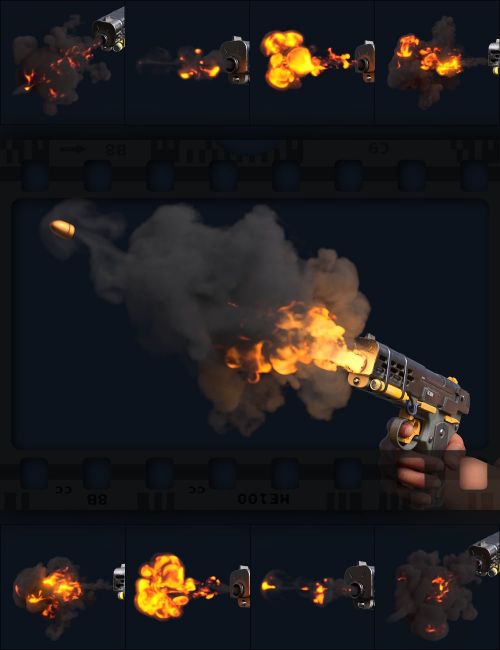
VDB Animated - Gunfire FX is a series of volumetric muzzle flashes for creating dramatic images or videos. Easily mix different VDB frames from separate animations for larger, more energetic plumes. Render bullet-time slow-motion or high-frame-rate shots with special extended presets.
Included are four variants of muzzle flash depicting low-, medium-, and high-caliber shots, along with trailing shots to enhance bullet interaction. Every muzzle flash variant comes with five versions to reduce repetition with multiple shots. Shots can be combined or chained using VDB offset timing.
Also included are different shader effects that trade fidelity with render time, allowing easy customization of workload. Black Soot volumes render very fast, while Bright Scatter can create more vibrant plumes. An included bullet prop helps complete the shot with high-quality materials.
What's Included and Features
- VDB Animate - Gunfire FX:
- Bullet
- Low Caliber 01-05
- Medium Caliber 01-05
- High Caliber 01-05
- Trailing 01-05
- Low Caliber Slow
- Medium Caliber Slow
- High Caliber Slow
- Trailing Slow
Required Products:
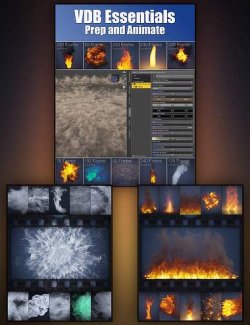
VDB Essentials - Prep and Animate
Compatible Software:
Daz Studio 2025 / 6.X, Daz Studio 4.24
Install Types:
DazCentral, Daz Connect, DIM, Manual Install