■ INTRODUCTION
--------------------------------------------------------------------------------
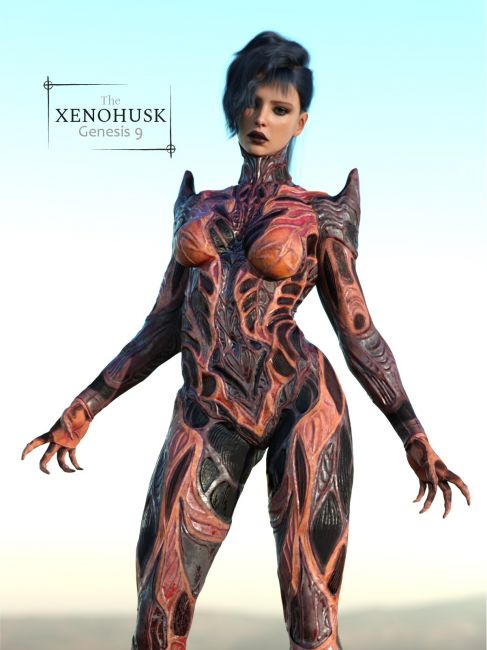
This set is born from a continuous search for new styles, objects, and creatures capable of telling a story. The Xeno-Husk is heavily inspired by the biomechanical designs of H.R. Giger, as well as the aesthetic of games like "Warframe."
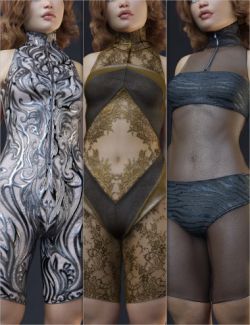
I love to "play" with my designs, so I created numerous variants and ways to wear this outfit. You can apply 16 different materials across 15 independent surfaces. Additionally, you have the option to hide 14 of these layers—allowing you to strip the suit down to just "pants" or even simple panties. I hope you enjoy it!
⚙️ PRODUCT FEATURES
--------------------------------------------------------------------------------
The package includes:
○ XenoHusk - Full Body Suit for Genesis 9
○ XenoHusk - High Heels Addon
○ High Heels Pose
► SURFACES & CUSTOMIZATION:
The model features 15 independent surfaces for maximum flexibility:
[ Main Layers ]
○ Back, Panties, Neck, Torso (Chest), Arms, Legs.
[ Secondary / Underlayers ]
○ Arms, Back, Chest-Abdomen, Foot, Hands, Legs Exterior,
Legs Interior, Torso Sides, HighHeels.
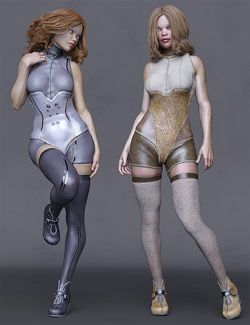
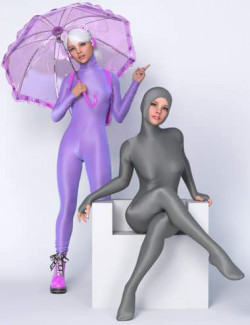
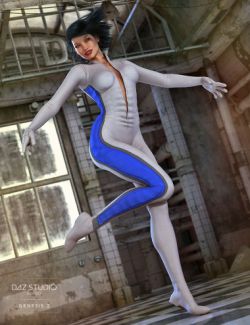
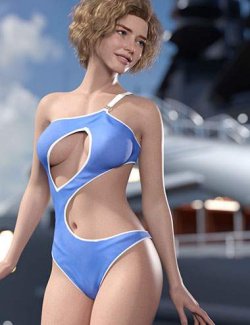
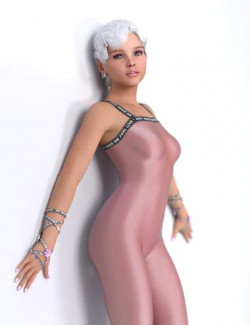
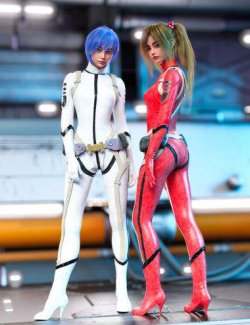
By mixing the materials listed below, you can create striking color combinations or hide entire sections of the suit as seen in the promo art.
Note: Duo-tone looks in the promos were achieved by applying different materials to the various available surfaces.
🎨 IRAY MATERIALS
--------------------------------------------------------------------------------
Categorized into 3 main folders for easy navigation:
├─ 00 FULL HIERARCHICAL
│ ├─ 16 Solid Colors.
│ └─ 16 Colors (Respects Cutout): Applies color while preserving any
│ previously applied transparency/hide settings.
│
├─ 01 BY PARTS / ZONES
│ └─ 15 individual folders for each surface, each containing 16 colors.
│
└─ 02 HIDE-SHOW LAYERS
└─ 28 Utility materials to hide or show 14 distinct parts of the suit.
► USAGE NOTE:
Hierarchical Materials can be applied by selecting either the Genesis 9 figure or the XenoHusk item.
🛠 MORPHS & TECHNICAL NOTES
--------------------------------------------------------------------------------
To access morphs, select the item and go to: PARAMETERS > MORPHS-ADJUST.
■ MORPHS-ADJUST:
○ Crotch - Pull
○ Expand All
○ Feet - Fix fingertips
○ Neck - Expand
○ Panties - Crotch Pull (Back, Front, 01, 02)
○ Shoulders - Shape 01
■ TECHNICAL NOTE:
Under the "Actor" tab, you will find several "Inherited" morphs that may be useful for specific fitting adjustments.
There are also hidden corrective morphs; I recommend leaving these at their default values for optimal performance.
--------------------------------------------------------------------------------
Thank you for supporting my work! If you enjoy this product, please consider
leaving a review on the store page.
================================================================================
Compatible figures: Genesis 9
Software: DAZ Studio 4 With IRAY