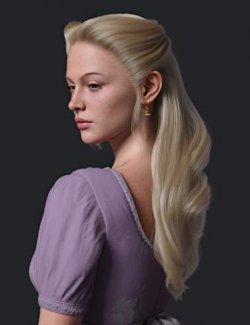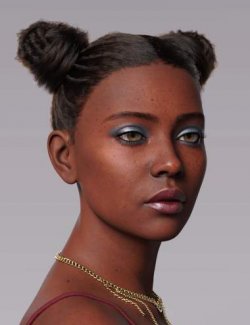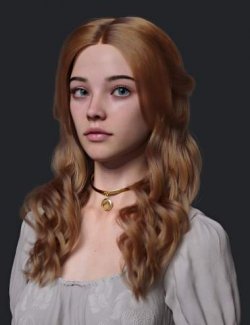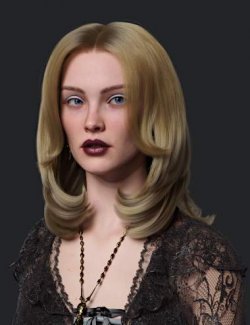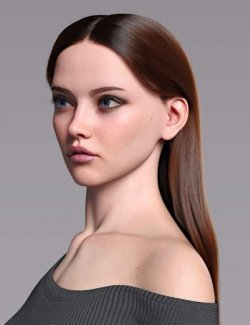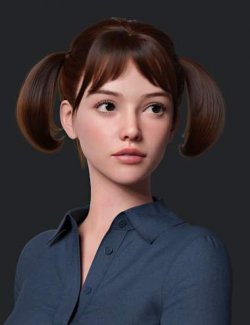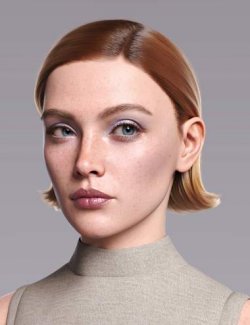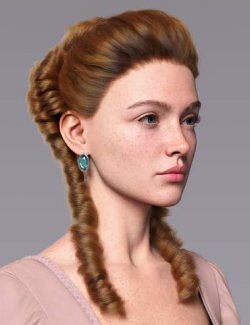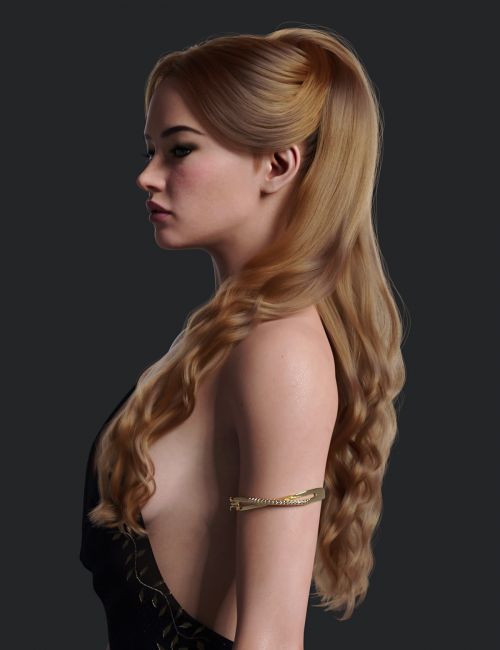
dForce Clea Hair for Genesis 9 preview image 0dForce Clea Hair for Genesis 9 preview image 1dForce Clea Hair for Genesis 9 preview image 2dForce Clea Hair for Genesis 9 preview image 3dForce Clea Hair for Genesis 9 preview image 4dForce Clea Hair for Genesis 9 preview image 5dForce Clea Hair for Genesis 9 preview image 6dForce Clea Hair for Genesis 9 preview image 7dForce Clea Hair for Genesis 9 preview image 8dForce Clea Hair for Genesis 9 preview image 9dForce Clea Hair for Genesis 9 preview image 10dForce Clea Hair for Genesis 9 preview image 11
dForce Clea Hair is a layered, regal hairstyle for Genesis 9.
This high-quality hair model was crafted with extra attention to detail to deliver high-quality renders.
Included are hair color options using a dedicated melanin-based hair shader, along with morphs to fine-tune the final look.
The front and back sections of the hair can be hidden, allowing for three distinct styling variations.
This hair combines posing and dForce simulation to achieve the final result.
What's Included and Features
- dForce Clea Hair for Genesis 9:
- Clea Hair Base (1 adjustment morphs)
- Clea Hair:
- HairMessy
- HairSmooth
- SideburnsLonger
- Clea Hair Back (10 adjustment morphs)
- Clea Hair LSide (11 adjustment morphs)
- Supported Shapes:
- Shapes may be supported in Daz Studio by Auto-follow
- Materials:
- 16 Hair Color Options
- Utilities:
- Preview Hair in Viewport On/Off
- Simulation Settings
- Zero Pose
- Textures Include:
- 02 Diffuse, and Opacity Maps (1024 x 1024 to 2048 x 2048)
- Daz Studio Iray Material Presets
Required Products:
Compatible Figures:
Genesis 9, Genesis 9 Female
Compatible Software:
Daz Studio 4.24, Daz Studio 6.x
Install Types:
DazCentral, Daz Connect, DIM, Manual Install
Compatible figures:
Daz3d
Where to buy:
https://www.daz3d.com/dforce-clea-hair-for-genesis-9