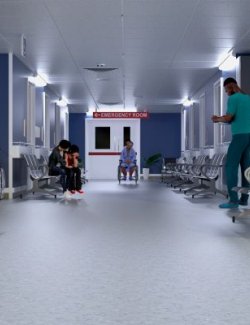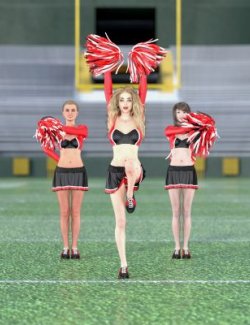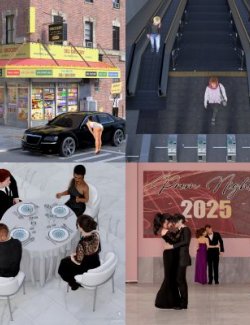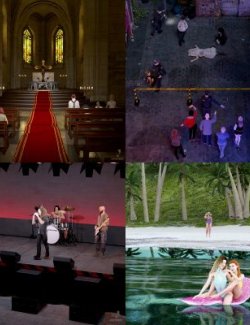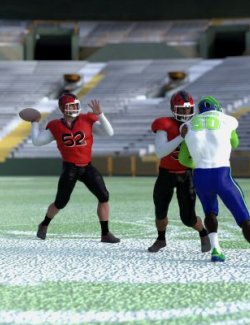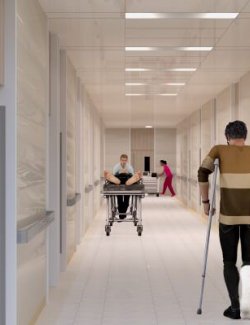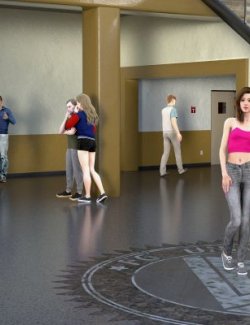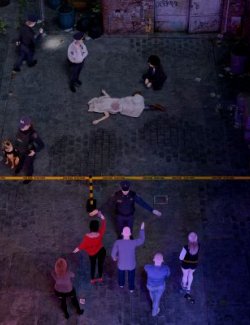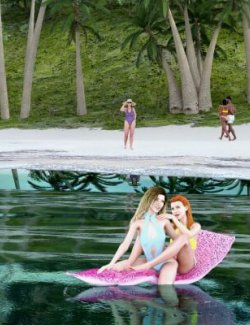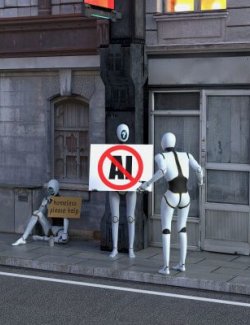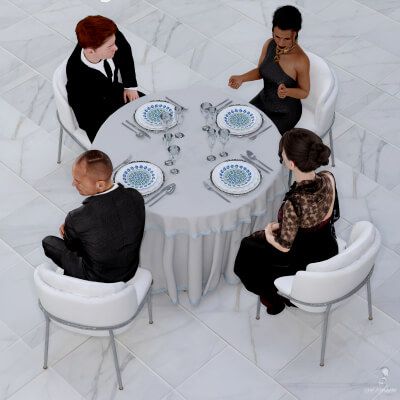
This pack contains 10 people billboard props, each with 17 angles so you can find one that suits your render. The billboards were rendered at 2k with even lighting so they should fit well into any scene.
Tips: Orient the billboards to face your camera. If any of the billboards are too large or small, simply scale to fit your needs. If any of the billboards picks up too much shine from your lighting, then lower the glossy reflectivity in the surfaces tab.
OTHER ITEMS SEEN IN THE PROMO IMAGES ARE NOT INCLUDED. You can find a list of items used here: https://www.renderhub.com/forum/13924/info-g3r-modern-billboard-pack-11
Promo images are rendered in Daz without any postwork.
Requirements: A computer capable of running Daz Studio. This product was made in Daz 4.24 (public build).
Installation tutorial with pictures: tutorial-how-to-install-dim-packages-manually-or-with-dim
Manual Installation: Open or extract the zip file and navigate to the content folder. Extract or move everything inside the content folder to your Daz3d Library.
DIM Installation: Place the zip file in the download location set in DIM. Start or refresh DIM so the package shows up under the "Ready to Install" tab. Press the "Install" button.