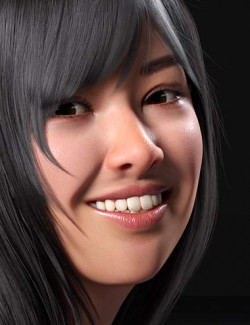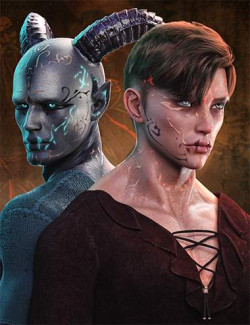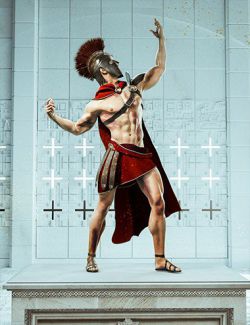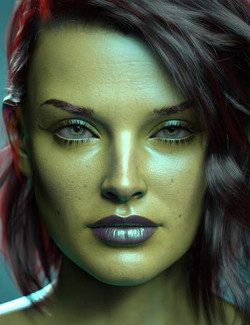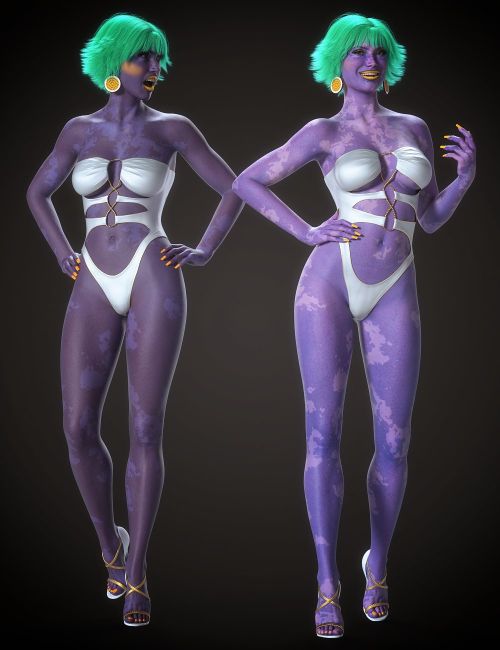
Do you have a favorite skin for a Genesis 8 or 9 figure but wish it was available in a different color?
Adding color directly to the Base Color and Translucency Color channels often results in a darker, muddier look with lost detail and contrast.
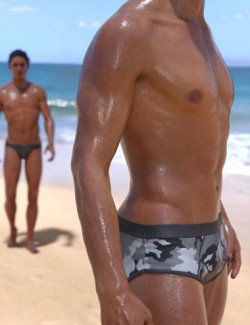
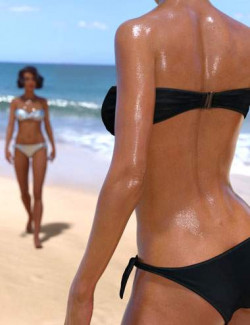
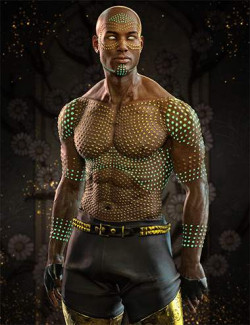
LIE Skin Blends uses the Layered Image Editor and its blend modes to add color layers to skin surfaces while maintaining saturation, luminosity, and enhancing detail and contrast.
Skin surfaces, including the mouth for Genesis 8 8.1 and 9, are supported for both male and female figures plus anatomical elements.
This can also be used as a merchant resource since LIE generates updated temp textures with the new layers, which can then be saved out. A quick way to tweak skin without leaving Daz Studio or using a photo editor.
Supports both Iray Uber and PBRSkin with varied results across different skins.
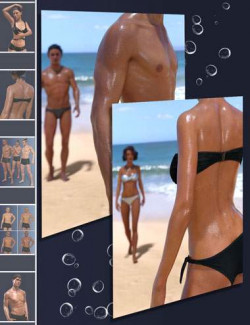
Layer presets include eight colors in four opacities, luminance presets for adjusting lightness or darkness, plus separated base and translucency presets allowing endless color combinations.
Grab a copy and expand your skin customization arsenal today.
What's Included and Features
- LIE Skin Blends:
- Aqua
- Blue
- Green
- Orange
- Pink
- Purple
- Red
- Yellow
- Each of these is available in 25%, 50%, 75% and 100% opacities, base color, translucency color and both combined.
- LSB Luminance ++
- LSB Luminance +
- LSB Luminance -
- LSB Luminance --
Required Products:
Compatible Figures:
Genesis 8 Female, Genesis 8 Male, Genesis 8.1 Female, Genesis 8.1 Male, Genesis 9
Compatible Software:
Daz Studio 4.24
Install Types:
DazCentral, Daz Connect, DIM, Manual Install
x