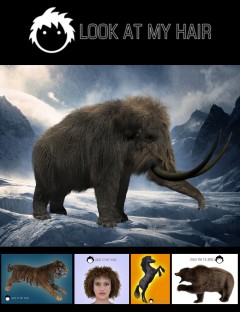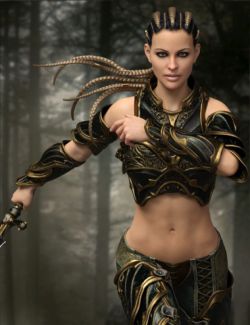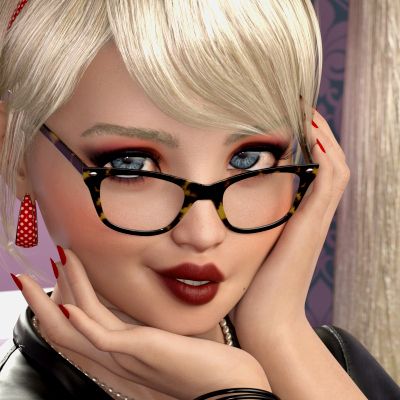
You've probably seen it, noticed it, those eyebrows are letting the world know, people's eyebrows and body hair should look like their hair. Your figures are stuck with the same problem but the prepacked color options are never quite right and goofing around with the shader all the time is a hassle. Well, now you don't have to. This is a script that finds the hair take's the hair's shader and applies that shader to whatever you've selected while leaving the original opacity geometry alone. The whole item or just a the selected surfaces if that's all you need now practically identical to the figure's hair. One click and it's done. Any hair, regardless of figure type or shader, it is instantly now on anything else.
There are also some generic iray hair shaders included for the cases where the hair you want to copy uses blank spaces for areas that aren't mapped in the textures to the UV. Many, especially older hair models do this and cut out what ever isn't used by the hair's UV, leaving solid black blocks that look gross when directly applied to another mode. This doesn't generate new textures for what it is being copied to, it just copies it. So if you need them I've included some here.
-Black
-Blonde
-Brunette
-Grey
-Red
-White
Or use any other shader.
If you like the materials on another hair, you can load it into your scene, parent it to a figure, then copy that hair's shader onto anything else that is also parented to the figure. Just a hint, if you have allot of hair's attached to one figure, you might want to temporary reparent or reorder a hair you don't want it to copy.