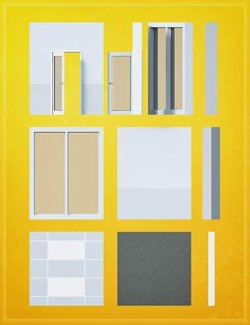
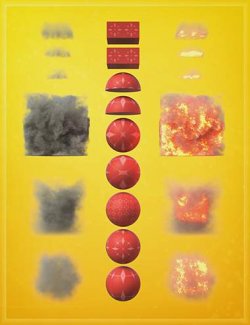
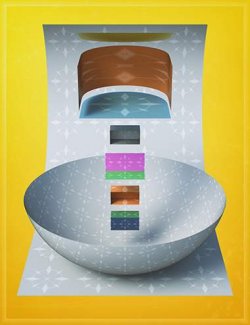
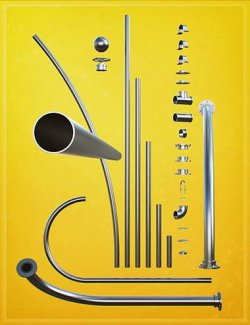
LI The Magic Rug is a modular construction, prop, and material asset system built around assets with unusual UVs that allow seamless textures to be used freely, without too much concern about visible seams. Every product in the range is designed to work together, forming a unified library of components that can be mixed, matched, and expanded over time. Due to the broad spectrum of shapes and the process of making them as seamless as possible, textile density will vary; however, any applied material can be easily scaled to suit.
Seamless textures are fundamental to the system. Because of this, I've created a large library of images, shader presets, and opacity maps that form the backbone of the range. This makes it easy to retexture, customise, and refine assets without needing to rebuild them. This material foundation, combined with LI The Magic Rug – Retexturizer and LI The Magic Rug – Shader Presets, gives you strong control over surface detail while keeping everything organised in one place.
Think of LI The Magic Rug like a well-stocked hardware store for digital builds — raw components, shared materials, and a system designed for growth and customisation.
LI TMR – Retexturizer
The LI TMR – Retexturizer is a major component of the workflow. It places the power of GeoShells front and centre, using them as a true layering system for building materials upon materials. It's rare to find a single texture that provides every element needed to properly detail an asset — so this is the solution.
Primarily, the Retexturizer is a collection of scripts and presets that apply single or multiple GeoShell layers to your selected assets, each at different offset levels. Secondly, it provides a large library of seamless grunge maps (and some intentionally non-seamless ones, such as splats), all readily accessible through a well-configured preset system. Thirdly, it includes a broad set of Iray material parameter presets, right at your fingertips.
Materials, Shaders, and Workflow
The Retexturizer works best when backed up with materials and shaders. As a starting point, once you apply LI TMR S – Add GeoShell (Vis) – Quicky or LI TMR S – Add GeoShell (Vis) – Sticky, you can apply your own materials and shaders directly to that shell.
There are multiple shell presets available — some load invisible and non-selectable to begin with, others load selectable straight away, and some are designed to load in a specific order. The choice comes down to your preferred workflow.
While the Retexturizer can be used on its own, pairing it with the shader packs greatly expands its usefulness.
NOTE:
This product is not located in a shader or material folder. Instead, it's placed within a carefully organised prop structure.
This was done deliberately, so numerous assets are located in one place, allowing you to work without jumping all over the content library when building large-scale scenes or highly detailed vignettes.
What's Included and Features
- LI The Magic Rug\LI TMR R - GeoShells:
- ! NOTICE - LI TMR GeoShells Scripts
- TIP GeoShells APPROACH
- TIP GeoShells HIDDEN
- TIP GeoShells MIXED
- TIP GeoShells VISIBLE
- LI TMR Opacity Cutout - Surface HIDE
- LI TMR Opacity Cutout - Surface SHOW
- LI TMR S - Add GeoShell (Vis) - Quicky
- LI TMR S - Add GeoShell (Vis) - Sticky
- Textures include:
- 139 x Seamless & Non Semaless Textures: Grey-scale Maps (4096 x 4096)
Compatible Software:
Daz Studio 4.24
Install Types:
DazCentral, Daz Connect, DIM, Manual Install