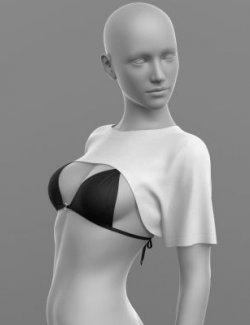
PRODUCT NAME:
Shirt
THE PRODUCT CONTAINS:
- Shirt for Genesis 8
- Tie for Genesis 8
ARCHIVE CONTAINS FORMATS:
- Shirt_Corset.duf (model)
- Shirt_Corset_MAT.duf (material 4 color)
- Tie.duf (model)
- Tie_MAT.duf (material 6 color)
- PNG (textures)
TEXTURES (4096 x 4096 .png):
- Set textures PBR (_AO, _BaseColor, _Height, _Metallic, _Normal, _Roughness)
COLOR VARIATIONS:
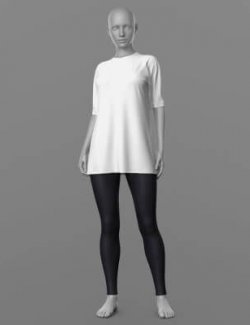
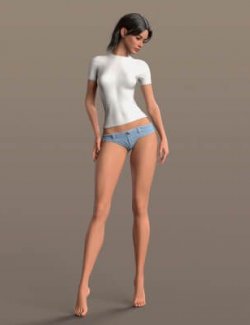
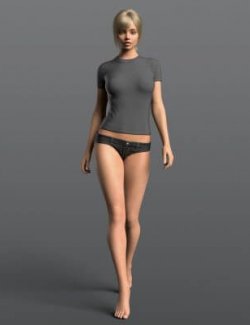
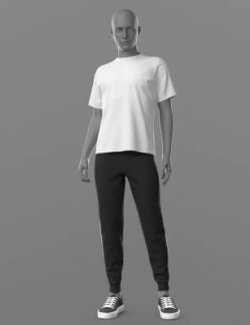
The archive contains 6 color variations of the textures for Tie. All of them are presented in the preview.
- White
- Black
- Black Silk
- Black White
- Pink
- Blue
The archive contains 4 color variations of the textures for Shirt. All of them are presented in the preview.
- White
- Black
- Pink
- Blue
If necessary, you can easily change the color of the model by changing it in the textures _BaseColor or apply a shade to the _BaseColor texture in the DAZ program settings.
INSTRUCTION MANUAL:
Download the Genesis 8 avatar and upload model to the scene.
Apply the desired color of the material.
A tie is a child object of a Shirt. When adding a Tie to the scene, the Shirt should be highlighted.
Creative success to you!
NOTE :
- dForce is configured for the model, this will allow you to apply the model in any pose.
- Added a tie length adjustment morph.
- Added a Shirt width adjustment morph. This will allow you to wear a shirt over a skirt, trousers, etc.
- You can wear a shirt without a tie.
THANK YOU FOR YOUR PURCHASE!