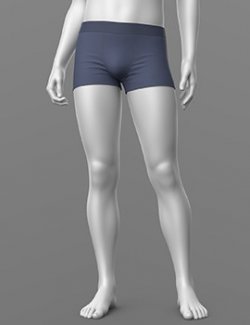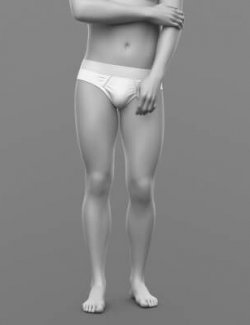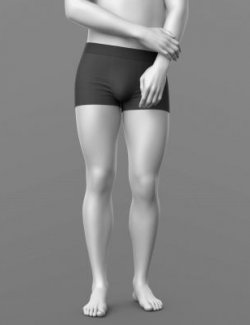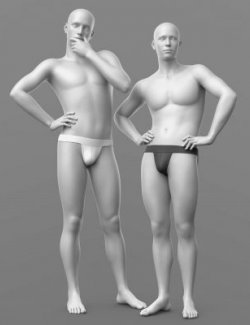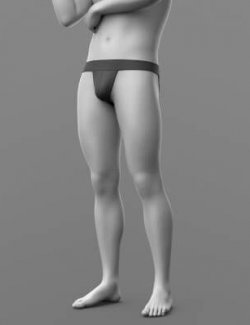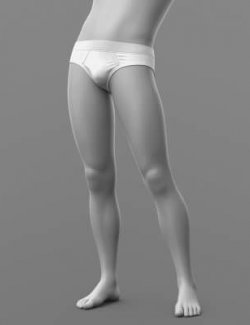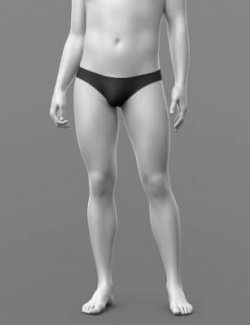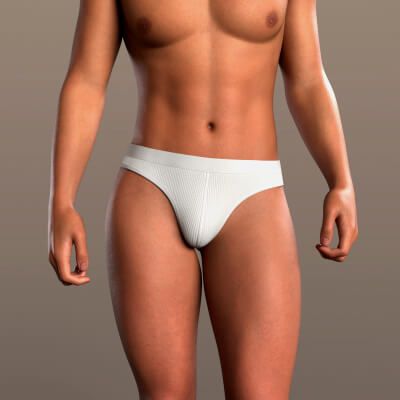
Underpants 03v G9
PRODUCT NAME:
Underpants
THE PRODUCT CONTAINS:
- Men's underpants for Genesis 9
ARCHIVE CONTAINS FORMATS:
- Underpants_03v_G9.duf (model)
- Underpants_03v_MAT.duf (5 presets)
- PNG (textures)
TEXTURES (4096 x 4096 .png):
- Set textures PBR (_AO, _BaseColor, _Height, _Metallic, _Normal, _Roughness, _Mask)
COLOR VARIATIONS:
The archive contains 3 colors and a trim preset. All of them are presented in the preview.
- Black
- White
- Green
- Trim (waistband and edge piping, any color)
- Trim Off
If necessary, you can easily change the color of the model by changing it in the textures _BaseColor or apply a shade to the _BaseColor texture in the DAZ program settings.
INSTRUCTION MANUAL:
- Download the Genesis 9 avatar and upload model to the scene.
- Apply the desired color of the material.
- Apply the WHITE preset, then set any color you like: Surfaces → Underpants_03v → Base Color.
- Apply the TRIM preset to add a contrasting waistband and edge piping. The trim color can be changed to any color: Surfaces → Underpants_03v → Diffuse Overlay Color. TRIM_OFF removes the trim.
- The color and trim presets can be applied in any order; changing the color does not remove the trim.
- The waistband keeps its width and shape in any pose and does not stretch or narrow.
- dForce is configured for the model, this will allow you to apply the model in any pose.
Creative success to you!
NOTE :
- The character model is NOT included in the package. You can purchase the character via the link:
https://www.renderhub.com/kemel/leo-le-for-g9
THANK YOU FOR YOUR PURCHASE!