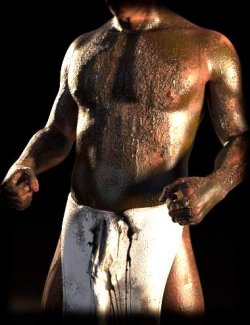
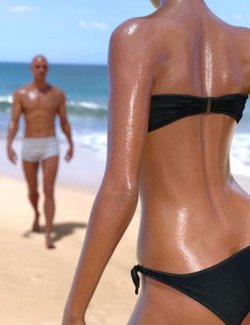
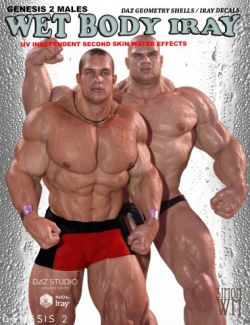
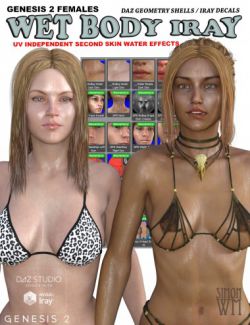
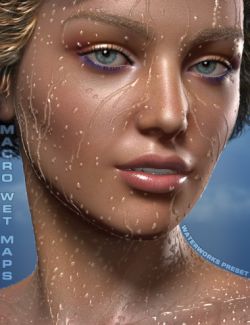
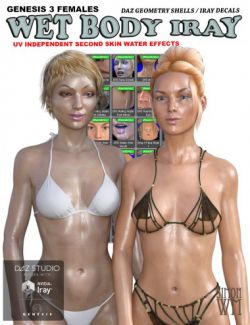
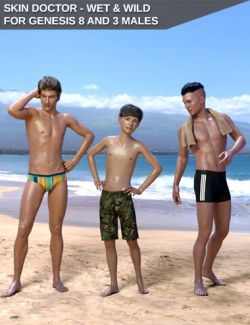
Realistic wet skin for any Genesis 9, Genesis 8 or Genesis 8.1 character, female or male - set in one click and tuned live. Wet Skin Studio adds a floating panel to DAZ Studio that stays open while you pose, orbit and render: pick a liquid (Water, Sweat, Body Oil, Mud, Blood or any Colored Liquid), pick a look (Dewy, Sweaty, Wet, Soaked, Glistening) and fine-tune it with sliders that explain themselves.
How it works: the panel builds a native DAZ geometry shell on the selected character - parented and fitted, nothing else to buy or load - with a thin mirror-smooth water film over all the skin and seamless 4K droplet maps (no stretched streaks on shoulders or collarbones), and adds a soft sheen to the skin itself. Geografts get the same wet shell; eyes, mouth and nails stay dry. Remove takes it all off again and restores the original skin values exactly.
Sliders: Wetness (the master), Sheen and Sheen Softness (the skin's own glow), Mirror Film (sharp reflections), Drop Size (fine mist to big beads), Drop Sparkle, Wet Darkening, Dryness (blood and mud: fresh and glossy to dried and matte), a color picker with Color Strength, plus fine-tune sliders. Save your own look as My Look. The panel remembers the values you left on each figure.
Lights made for wet skin (water shows through highlights): four light rigs that FOLLOW the character - move or turn the figure and the lights move with it - Studio Soft Key, Wet Glow Kicker (glints in every drop), Dramatic Low-Key and Forest Daylight, as full rigs or single lights; a one-click Black Studio (only your own lights), a Black Studio HDRI with five softboxes for the skin to reflect, an AgX-like tone mapping preset and a one-click way back to Daz's default.
WHAT'S INCLUDED
- The Wet Skin Studio panel (script) + Remove Wet Skin + an optional menu / toolbar button
- 6 liquids: Water, Sweat, Body Oil, Mud, Blood, Colored Liquid (any color)
- 5 one-click looks + My Look; 8 main sliders + 5 fine-tune sliders; 4 environment options
- Seamless 4K maps: droplets (normal + coverage), blood and mud (coverage, normal, gloss, thickness shade)
- Lights: 4 follow-character rigs (20 presets: full rigs + single lights + remove), Black Studio, Black Studio HDRI, Undo,
2 tone-mapping presets, the same rigs as plain light presets at the scene origin
- 2 HDRIs: the black studio softbox HDRI (ours) and a CC0 forest daylight HDRI (Poly Haven)
- for Genesis 9, Genesis 8 and Genesis 8.1 - female and male, any character
NOTES
- Iray only (the wet shell and the sheen are Iray materials); the Iray viewport shows the effect too.
- Water shows in highlights and reflections: use a light with a rim or kicker (the included rigs) or the Black Studio
HDRI; a very bright, flat HDRI makes the water film look milky.
- Only one panel can be open at a time; close it before running other scripts and before quitting DAZ Studio.
- Wet Darkening deepens the skin tone (it can read as a tan) - the looks keep it at 0.
- Blood and mud are surface layers: no dried-blood cracks; a fresh glossy pool can show a white highlight when it
faces the key light directly (raise Dryness a little).
- Other wet shells on the figure (from other products) are switched off, not deleted.