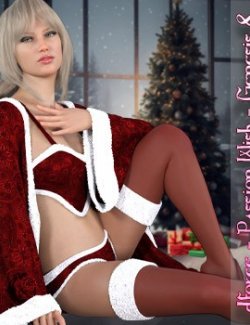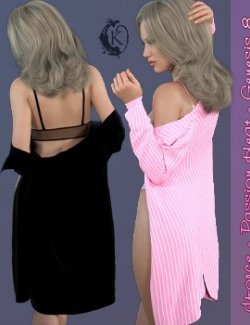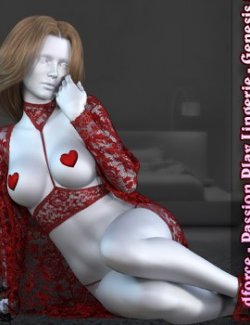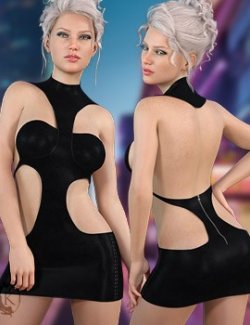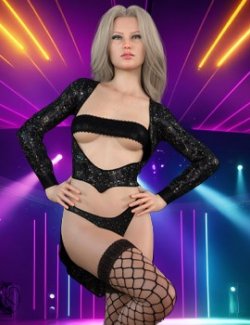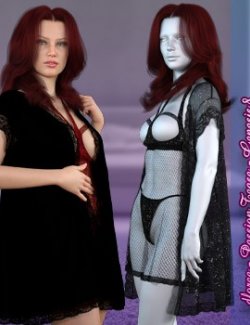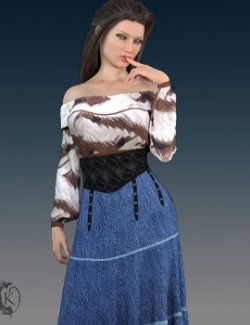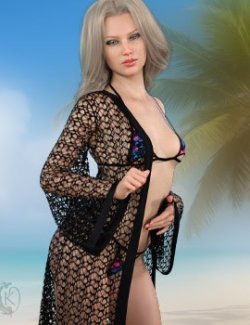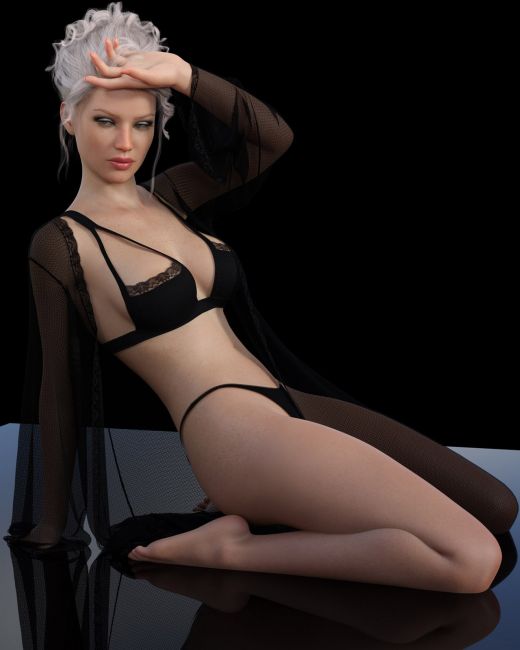
Bring the heat with Passion Fire Lingerie, a collection designed for those who want to command the room before saying a single word.
The Bralette: This piece redefines the classic bra with bold, strategically placed cutouts and slender tension straps that create a striking, modern frame for the bust. A Morph is included to give you full coverage if desired.
The Panty: A high-leg, minimalist bottom provides a sleek foundation, elongating the legs and ensuring the dramatic drape of the robe takes center stage.
The Robe: Finish the look with this beautiful floor length robe. Crafted from a shimmering, light-reflective mesh, it features dramatic bell sleeves and a delicate lace-trimmed hem that trails behind you like a whisper.
Style Selection: 5 different styles each in 6 color options to fit any mood.
Many dyamic morphs are included to make your renders extra enticing. Including strap down and robe open morphs.
Passion Fire Lingerie include:
1 Shelf Bra for Genesis 8/8.1
1 Panty for Genesis 8/8.1
1 Robe for Genesis 8/8.1
Detailed Textures
Bump and Transparency Maps
Materials:
5 Complete styles each in 6 variations
Simulation Settings
3 Simulation Settings for the Bra
1 Simulation Settings for the Panty
2 Simulation Settings for the Shorts
A Variety of Adjustment morphs are included to add to ease of use. Dynamic morphs are also included.
----------------------------------------------------------------
dforce is required for the Overshirt and Recommended for the Cami. When simulating the overshirt over the cami you may find that the cami gets distorted. The best way to solve this is to run the simulation then hide the overshirt and run the simulation again. You can also turn off dforce on the Cami. This is not recommended for busty or extreme shapes.
Simulations should be done using the following method:
1. Load the clothing item.
2. At frame 1 apply any style adjustments.
3. Move your timeline slider to frame 15 and apply any body shapes.
4. Move your timeline slider to frame 20 and apply your pose. Simulate using at least 60 frames for best results. More frames will allow your clothes more time to settle.
5. Animated simulation should be used with larger or more busty characters for best results. Current frame animation is best for thin and small character.
Please note that when using material presets from addons by other vendors they may alter the simulation settings. For this reason it is recommended that you apply the default simulation settings preset after applying any materials from addon packages.
----------------------------------------------------------------
Most body Morphs will work using autofollow technology. Some adjustment may be necessary in extreme poses or with extreme body shapes. Adjustment morphs are included to help with these situations as well as with posing. Autofollow morph results vary.
Thank you very much for your interest in my products :) Please add me as a favorite vendor and never miss a new release! Like Kaleya3d on Facebook for Promotions, Sneak Peeks and product announcements! https://www.facebook.com/kaleya3d/ You can also follow me on instagram for product images and sneak peeks https://www.instagram.com/kaleya3d/ Twitter @ShadowcatStudio
BlueSky https://bsky.app/profile/shadowcatstudios.bsky.social
Compatible figures: Genesis 8 Female, Genesis 8.1 Female
Software: DAZ Studio 4 With IRAY