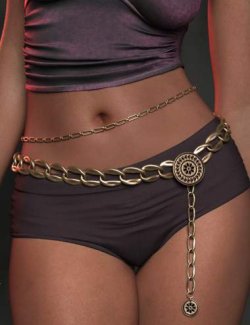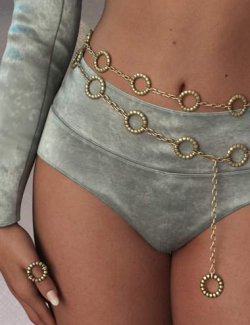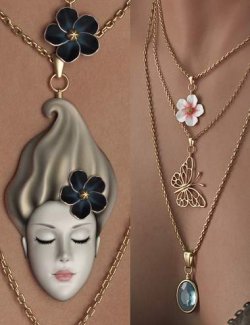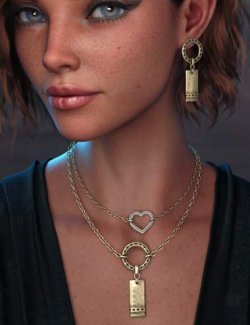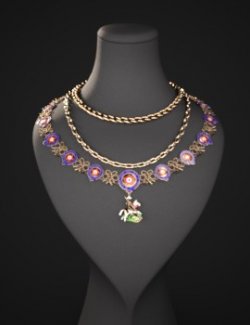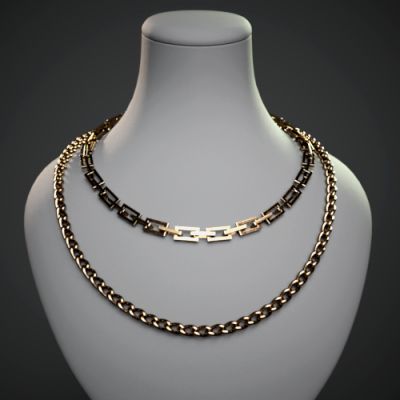
dForce dForce Simple Chain Necklaces for G8M, G8F and G9
- Thoroughly modelled and textured
- This set consists of the two models: Classic Chain and Classic Long Chain, each item can be using separately
- Each item is provided with its own wearable preset and MATs / Links Shapes customizations
- Comes with two material presets (silver and gold)
- Includes a sufficient set of pre-shaping morphs for the necklace itself which allow you to pull out, bend or twist it, etc.
How it works.
The “chainitself is a toroid of simple topology, hidden by the zero opacity, which is processed by the dForce engine. The chainlinks, in turn, are just props, each is a child to of one of the Rigid Follow Nodes of the “chainmodel. They are not visible to the engine, and therefore do not disturb the simulation, but due to the movement of the Rigid Follow Nodes, they are automatically oriented during the simulation as it happens in the physical world. Thanks to this, you can get a more or less believable simulation result even in extreme poses of your character and even in cases where the “chainis located between two layers of other dForce clothing (of course, the latter will require the correct positioning of the chain model in the zero pose beforehand, so that the chain does not peke through or cling to another topology). Due to its simplicity, this chain model will never "explode" or twist in a weird way (at least, I myself tested it on a huge number of dynamic poses with and without clothes, and did not find anything like that). However, this same simplicity also imposes some limitations that I must mention. In rare cases, individual chainlinks may not be oriented quite correctly - these are features of DAZ Studio's Rigid Follow Node algorithm, and they are not allowed to preconfigure - but since the chainlink is a prop and it never “flies outof the sequence, all you have to do is just rotate (not move) it manually if needed. Also, I do not recommend scaling the chain model itself too much, as this can also affect the simulation.
The feature of this model is that it can be considered as a necklace builder, basically. If you are an experienced DAZ Studio user, you can easily modify these models by adding your own elements, such as unique chainlinks or pendants - as a prop that is a child of the corresponding Rigid Follow Node. I just recommend paying attention to the fact that the “Visible in Simulationparameter of this prop must be set “Offso that it does not interfere with the simulation.
Chains are intended to be used preferably with the Current Frame simulation type for more control, but they work great with Animated timeline too, if you work with a complex simulation or scene.
Just apply the wearable presets to your character, pose it as you wish and run the dForce simulation!
Enjoy creating your own unique appearance of it!
Thanks for your feedback!