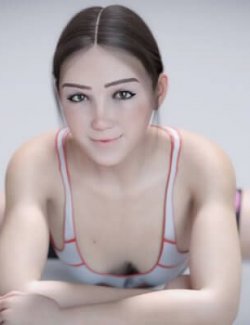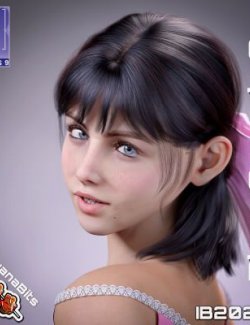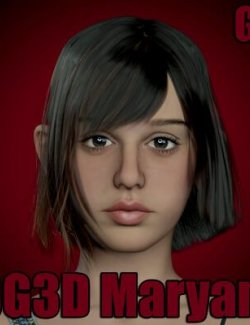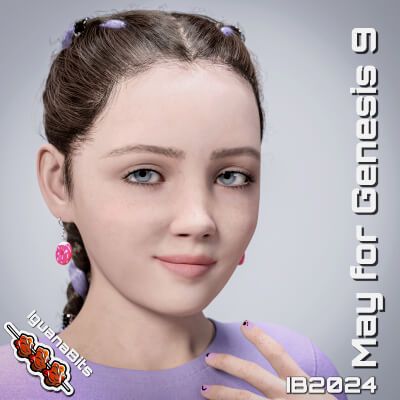
Meet May, a lively young tween girl who will bring a breath of fresh air to your renders!
May 9 has been converted from the original G8 version and has a host of new added detail and functionality.
The set includes two tailored clothing projection morphs to aid in fitting clothing to the chest area. - "IB May Chest Centre Fix" and "IB May Chest Centre Fix". These help reduce the distortion to clothing that isn't designed to fit smaller characters. These can be found in the Parameters tab under Actor/Full Body/Projection Morphs
May is for G9 only and comes with custom made skin materials with both Iray Uber and PBRSkin presets.
May Also comes with two highly detailed eye options and three cute custom nail colour sets.
May has a large set of tailored corrective morphs allowing her to pose well, even at extremes.
To load, load a G9 base figure and apply the "!IB May G9 Apply All" preset. Head and body can be loaded individually, but the figure won't be scaled correctly unless the Apply All is used.
Use the Full Skin presets to load the base skins. The Presets are Heirarchical so will also apply eyes, lashes etc.
The set includes:
- Full shape/head/body individual apply and remove presets
- 2 x Chest Adjustment projection morphs to help in fitting clothing
- Custom Uber and PBR skins with no-brow and tanned options.
- 2 x Highly detailed eye colours
- 3 x Custom finger/toe nail materials.
- Custom Uber and PBR skins with no-brow and tanned options.
- 48 custom sculpted corrective and shaping morphs
To install:
Copy the folders (drag and drop)
into your "My Library" folder or other preferred library location
The materials folder contains full character material presets for Iray Uber and PBR Skin shaders.
Character folder contains the following Shaping Presets:
IB May G9 Apply/Remove All
IB May G9 Head
IB May G9 Body
NOTE the full Body Apply presets will apply scaling to the Head and Body Morphs, if you wish to mix and match with other morphs please use the May Full Shape remove preset first and then manual apply whichever morphs you chose.