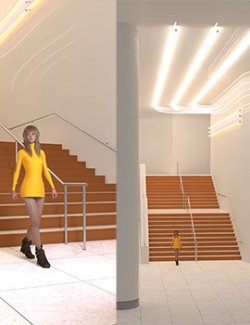
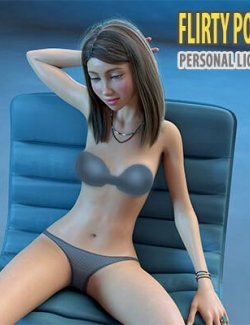
"STZ In the Dark" - it's a 20 unique quality poses collection for G8 Female and G9 female
To use a set of poses, you need to purchase a set of smart props included in the product "STZ Lighting props"!
Included in this Package:
20 poses for G8 Female
20 poses for G9 Female
Installation Instructions:
Unzip into your D|S Content directory; make sure "use folder names" option is
checked.
------------
------------
Usage. Read carefully! These steps is important!!!:
To use a set of poses, you need to purchase a set of smart props included in the product "STZ Lighting props"!
G8 Female:
1. Load Genesis 8 Female by DAZ3D
2. Load the smart props to the scene ("STZ Lighting props" products). Select G8 Female body. Go to People\Genesis 8 Female\Poses\STZ Lighting props\Smart_props\L_hand or R_hand and double click on any icon.
3. Navigate to People\Genesis 8 Female\Poses\STZ_In_the_Dark and double click any icon marked from "01" … to "20"
run Force Limits Off before to apply pose
To apply a pose for props, you must first select the props. Only after that you need to use a pose for props.
4. Select the smart props. People\Genesis 8 Female\Poses\STZ_In_the_Dark and and double-click any icon for smart props.
G9 Female:
1. Load Genesis 8 Female by DAZ3D
2. Use the Base Feminine morph for Genesis 9.
3. Load the smart props to the scene ("STZ Lighting props" products). Select G8 Female body. Go to People\Genesis 8 Female\Poses\STZ Lighting props\Smart_props\L_hand or R_hand and double click on any icon.
4. Navigate to People\Genesis 8 Female\Poses\STZ_In_the_Dark and double click any icon marked from "01" … to "20"
run Force Limits Off before to apply pose
To apply a pose for props, you must first select the props. Only after that you need to use a pose for props.
5. Select the smart props. People\Genesis 8 Female\Poses\STZ_In_the_Dark and and double-click any icon for smart props.