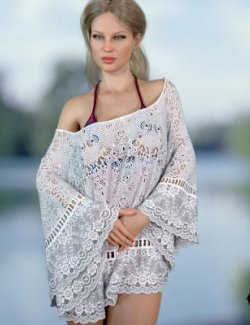
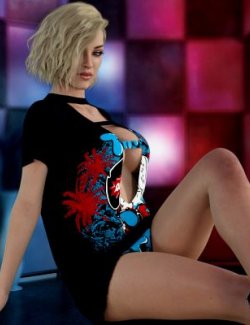
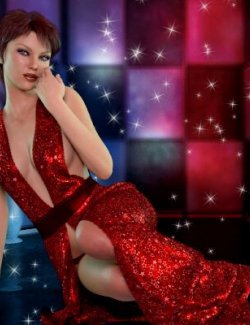
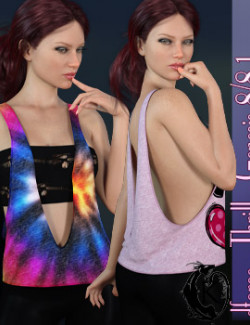
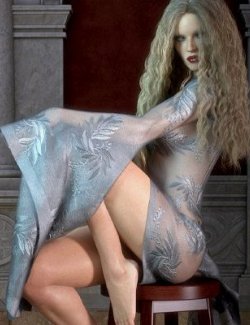
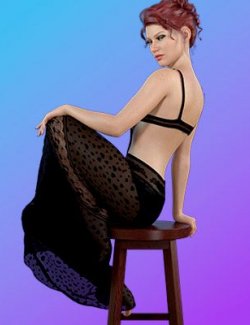
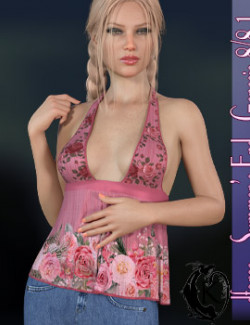
Embrace the warmth of the season with Summer Kiss, a beautifully crafted, playful, and flirty outfit designed to bring an effortless beachside elegance to your 3D library. Perfectly tailored for the Genesis 8 female figure, this ensemble combines a relaxed, sun-drenched aesthetic with intricate, high-quality detailing.
The outfit features a deep, plunging neckline and an open-sided cut that flows into a wide, structured waistband, creating a striking, flattering silhouette.
Fully optimized for dForce physics, Summer Kiss delivers exceptionally realistic cloth simulations. Whether your character is catching a coastal breeze, lounging on the sand, or striking a dynamic pose, the fabric reacts naturally to movement and gravity to provide seamless, high-fidelity renders every time.
Summer Kiss includes:
1 Dress for Genesis 8
Detailed Textures
Bump and Transparency Maps
Materials:
10 Iray Materials for the Dress
1 Base Simulation Setting and 5 Simulation presets
Dress Morphs:
AdjustBreasts
AdjustHips
AdjustShoulderUpL
AdjustShoulderUpR
CTRLBreastsImplants
CTRLBreastsNatural
FBM Karyssa 8 Body
FBM Kaylee 8 Body
FBM Mika 8 Body
FBMAiko8
FBMCharlotte8
FBMEva8
FBMFitnessDetails
FBMFitnessSize
FBMGirl8
FBMLatonya8
FBMMonique8
FBMOlympia8
FBMSahira8
FBMTasha8
FBMThin
FBMVictoria8
FBMVoluptuous
FBMZelara8
PBMBreastsCleavage
PBMBreastsDiameter
PBMBreastsDownwardSlope
PBMBreastsGone
PBMBreastsHeavy
PBMBreastsPerkSide
PBMBreastsShape01
PBMBreastsShape02
PBMBreastsShape03
PBMBreastsShape04
PBMBreastsShape05
PBMBreastsShape06
PBMBreastsShape07
PBMBreastsShape08
PBMBreastsSize
PBMBreastsSmall
PBMBreastsUnderCurve
PBMBreastsUpwardSlope
PBMGlutesSize
PBMHipSize
ShoulderDownLeft
ShoulderDownRight
------------
dForce is included but optional.
Simulations should be done using the following method:
1. Load the clothing item.
2. At frame 1 apply any style adjustments.
3. Move your timeline slider to frame 15 and apply any body shapes.
4. Move your timeline slider to frame 20 and apply your pose. Simulate using at least 60 frames for best results. More frames will allow your clothes more time to settle.
5. Animated simulation should be used with larger or more busty characters for best results. Current frame animation is best for thin and small characters
Please note that when using material presets from addons by other vendors they may alter the simulation settings. For this reason it is recommended that you apply the default simulation settings preset after applying any materials from addon packages.
------------
Most body Morphs will work using autofollow technology. Some adjustment may be necessary in extreme poses or with extreme body shapes. Adjustment morphs are included to help with these situations as well as with posing. Autofollow morph results vary.