PRODUCT NAME:
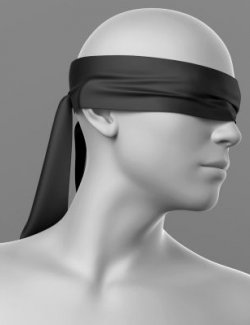
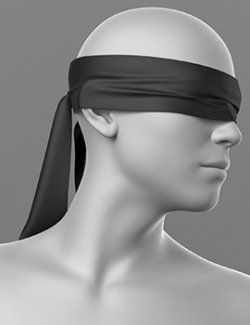
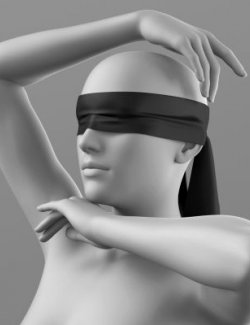
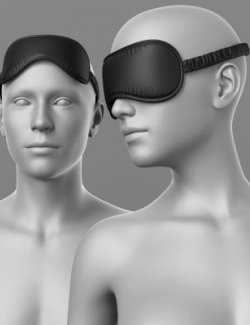
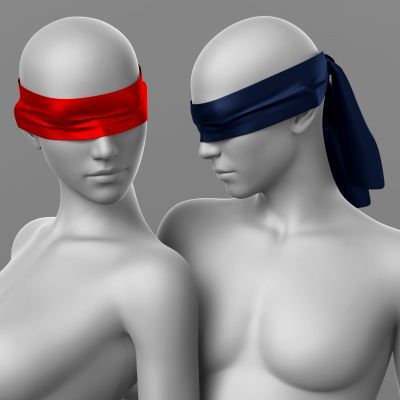
Blindfold
THE PRODUCT CONTAINS:
- Blindfold for Genesis 9
- Blindfold for Genesis 8F
ARCHIVE CONTAINS FORMATS:
- Blindfold_G9.duf (model)
- Blindfold_G9_MAT.duf (material 5 color)
- PNG (textures)
TEXTURES (4096 x 4096 .png):
- Set textures PBR (_AO, _BaseColor, _Height, _Metallic, _Normal, _Roughness)
COLOR VARIATIONS:
The archive contains 5 color variations of the textures. All of them are presented in the preview.
- Black
- Red
- Green
- Pink
- Blue
If necessary, you can easily change the color of the model by changing it in the textures _BaseColor or apply a shade to the _BaseColor texture in the DAZ program settings.
INSTRUCTION MANUAL:
Download the Genesis 9 or 8 avatar and upload model to the scene.
Apply the desired color of the material.
Creative success to you!
NOTE :
- dForce is configured for the model, this will allow you to apply the model in any pose.
- Added a morph that allows you to adjust the fit of the mask in the eye area
- Added a morph that allows you to adjust the width of the bandage. This will allow you to apply the model over the hairstyle.
- Added a morph that allows you to adjust the position of the ribbons on the back of the head. This will allow you to correctly position the ribbons on top of the clothes.
- You can find even more accessories in my collection:
https://www.renderhub.com/my-collections/17451/accessories
THANK YOU FOR YOUR PURCHASE!