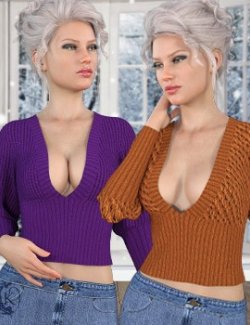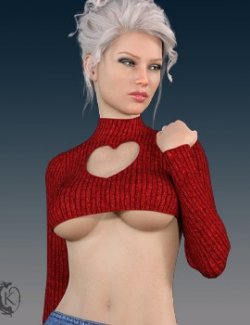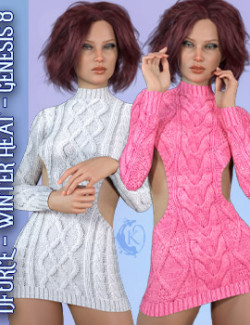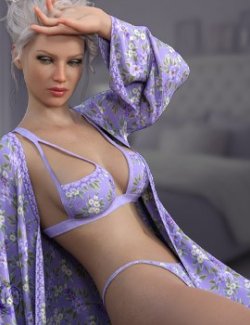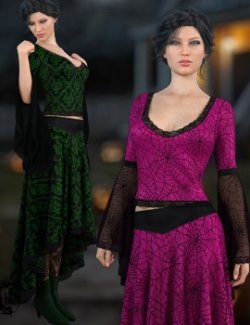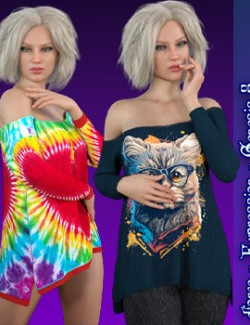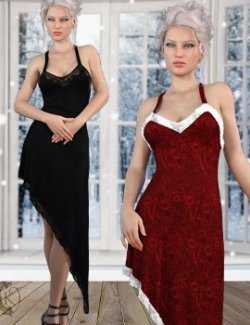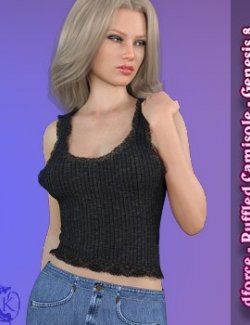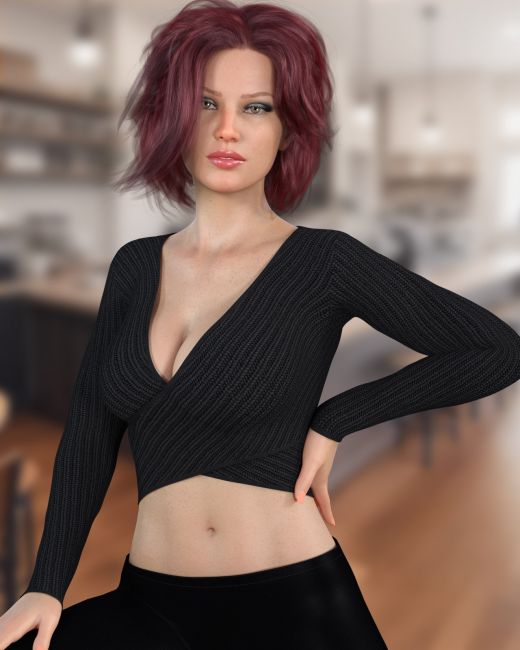
Just in time for the cooler months this sexy, stylish, sweater aims to please. dforce recommeneded but most poses and shapes will work unsimulated.
Criss Cross includes:
1 Sweater for Genesis 8/8.1
Detailed Textures
Bump and Transparency Maps
Materials:
12 Material presets for the Sweater,
Simulation Settings
1 Simulation Preset
A Variety of Adjustment morphs are included to add to ease of use. Dynamic morphs are also included.
dforce is recommended for extreme shapes and extreme poses. Dynamic morphs look best when simulated.
Simulations should be done using the following method:
1. Load the clothing item.
2. At frame 1 apply any style adjustments.
3. Move your timeline slider to frame 15 and apply any body shapes.
4. Move your timeline slider to frame 20 and apply your pose. Simulate using at least 60 frames for best results. More frames will allow your clothes more time to settle.
5. Animated simulation should be used with larger or more busty characters for best results. Current frame animation is best for thin and small character.
Please note that when using material presets from addons by other vendors they may alter the simulation settings. For this reason it is recommended that you apply the default simulation settings preset after applying any materials from addon packages.
Most body Morphs will work using autofollow technology. Some adjustment may be necessary in extreme poses or with extreme body shapes. Adjustment morphs are included to help with these situations as well as with posing. Autofollow morph results vary.
Compatible figures: Genesis 8 Female, Genesis 8.1 Female
Software: DAZ Studio 4 With IRAY