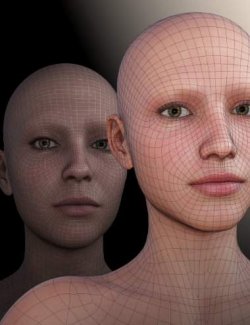
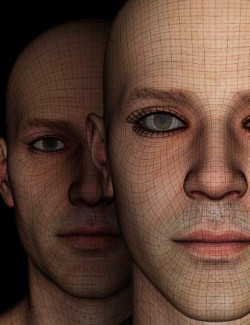
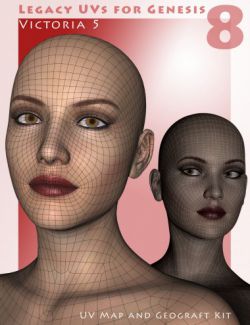
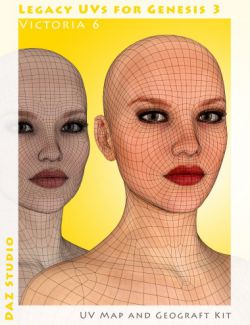
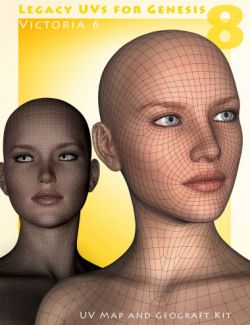
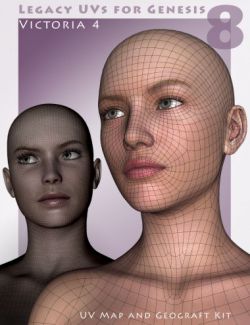
The texture surfaces for Genesis 8 and 8.1 are divided differently from Genesis 9. This means that some surfaces cannot use all the corresponding textures of the other generation because a surface cannot utilise more than one UV map. However, if these surfaces are given a second skin in the form of geografts then the geografts can use their own independent UV maps to access the textures.
Genesis 9 UVs for Genesis 8 and 8.1 Male includes all the necessary geografts, UV maps and scripts to enable you to use textures from Genesis 9 on Genesis 8 and 8.1.
Because the majority of Genesis 9 MATs are Hierarchical Material presets, it will be necessary to resave them as normal Material presets prior to loading them onto Genesis 8 or 8.1.
There is a simple four stage loading procedure: Preparation, loading materials, applying the UVs, and auto-fitting the eyebrows. The preparation stage loads the geografts and creates Legacy Surface Selection Sets for Genesis 9. Optional toolbar icons are available for convenient access to the 'Prepare' and 'Apply UVs' scripts. UV Support for the Anatomical Elements is also included.
See the PDF documentation for full instructions.
For DAZ Studio only.
What's Included and Features
- Genesis 9 UVs for Genesis 8 and 8.1 Male:
- Genesis 9 UV Sets for Genesis 8 and 8.1 Male
- Multi-piece Geograft
- Preparation Script
- UV Set Application Script
- Toolbar (Add and Remove) Script
- User Guide PDF
Compatible Figures:
Genesis 8.1 Male, Genesis 8 Male
Compatible Software:
Daz Studio 4.24
Install Types:
DazCentral, Daz Connect, DIM, Manual Install