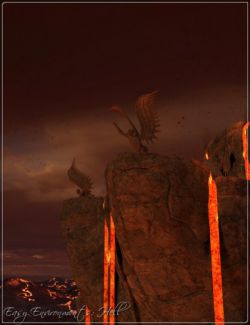
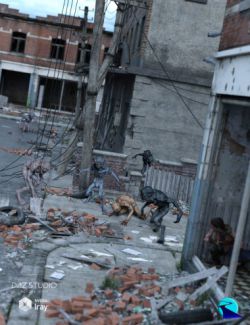
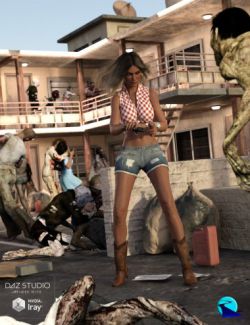
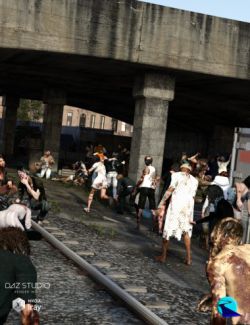
Augmented Background - Hell for Daz Studio.
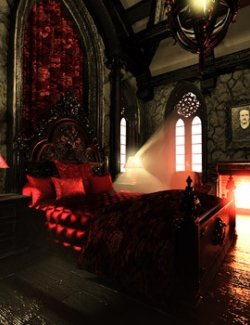
Build your backgrounds to your liking with the architectural billboards in the hell theme. Load the provided terrain into your scene, arrange the billboards of your choice, adjust the scale and finally apply the provided Iray preset. We recommend working in Iray preview mode in order to be more precise in the placement of the elements. If you use the provided example preloads (3), select the camera view in your work window. By default, fog is present in the render preset, you can adjust or remove it from the render settings.
- 3 Preloads subset scene (with camera and Iray render setting)
- 1 Terrain
- 10 Billboards (diff, trans)
- 1 Iray render setting with .hdr sky
- 30 HR Texture maps + 1 sky.hdr
Product located in Props > Powerage > Augmented Background - Hell
Product Compatibility Iray engine.
Software: DAZ Studio 4 With IRAY