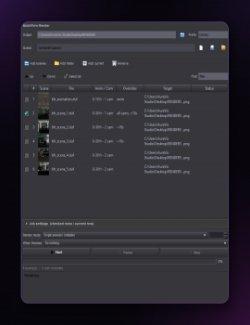
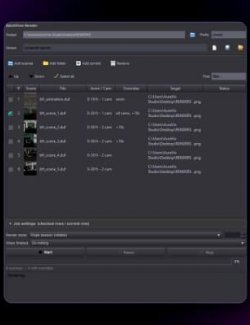
Batch Rename gives a group of scene items new names in one go, so a scene full of "Sphere (2)" and "Genesis 9 (3)" turns into something you can find in the Scene pane.
Features
• New base name, find and replace (with optional match case), prefix, suffix and numbering with a start number and digit count.
• "Update preview" shows the new names before anything changes; the result matches the preview.
• "Undo the last rename" puts the old names back. DAZ Studio does not record name changes in Edit > Undo, so the tool keeps the old names itself, and a Ctrl+Z after renaming does not undo an unrelated earlier action.
• Renames the labels you see in the Scene pane.
How to use
1. Select the items in the Scene pane.
2. Run Batch Rename, fill in the rules and press "Update preview".
3. Press "Rename".
4. To go back, press "Undo the last rename" (or run the tool with nothing selected).
Compatibility
• DAZ Studio 4 (Windows).
• Tested with prefix and numbering on three props, and restoring the old names.
Included
• One script (.dsa) and a ReadMe. Installs to Content Library > Scripts > AffectionX.