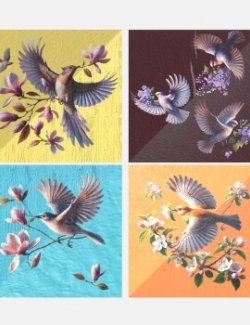
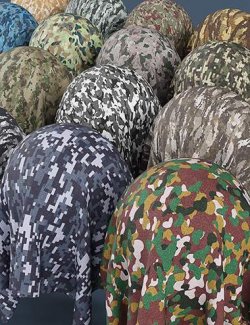
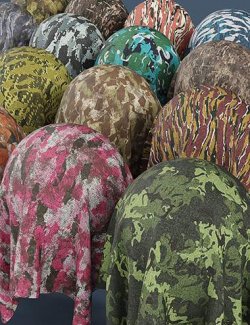
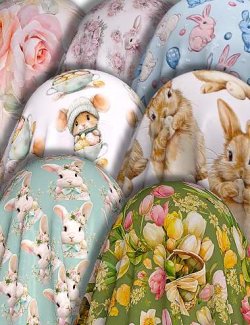
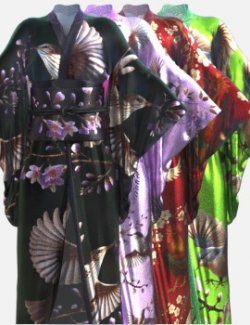
This is the bundle containing all the 3 volumes of my project "Bird & Flower Pattern Iray Shader" for Daz Studio. Each volume contains 47 shader presets optimized for Iray, and designed to offer modular control over material style and surface pattern.
The products separate surface patterns and material properties for greater flexibility. That means that you can change the pattern preset without changing the material property (ex: metal, silk, wood, etc...), or change the material property without changing the pattern.
The key word is "flexibility". For this project, I wanted as much flexibility as possible, and not restricting the user to only a few already defined images. That is why each volume uses 30 no-background patterns as base color maps, mixed together in the Layered Image Editor (LIE) to offer 45 bird and flower pattern presets. For each preset, the background color is created thanks to a color layer in LIE.
You like a pattern but you would prefer another background color? No problem! Just go to LIE and set the color that you want. You like a pattern and its background color, but you would want to add some bird ands flowers? It's the same: you can go to LIE and add the patterns you want. The 45 pattern presets offer you ready-made combinations that I found harmonious, but since the base color maps have no backgrond, the possibilities are infinite!
Furthermore, since the pattern presets are separated from the material property presets, it's pretty simple to use a pattern preset from a volume with a material preperty preset from another. By adding this product, you will get all the 3 volumes, so you will can for example use a pattern preset from the first volume with the Painted Wood preset (from Vol. 2) or the Colored Glass preset (from Vol. 3). You can do everything you want!
That's not all! To allow more flexibility again, thefirst and second volumes separate pattern tiling from height and normal tiling! You can for example set the pattern tiling to 03*03 and the height & normal tiling to 10*10. The height and normal tiling presets allow you to control both the normal map and displacement map tiling.
Furthermore, an "Image Only" version exists for every pattern preset and every height & normal preset, to allow you to change a map without changing its instance tiling.
It's the first time that I create a shader preset product, and it's also my first published creation; I hope you'll enjoy it!
Shader Presets:
The material property presets (ex: Colored Metal, Metallic Silk, Painted Wood, etc...) come with 2 versions:
- ALL version (includes a default pattern, normal and displacement maps): ideal for instant use.
- Preset Only version (applies only the surface properties without base color, normal and displacement map): ideal to switch materials without altering your pattern.
Similrly, each pattern preset and height & normal utility preset comes with 2 versions:
- ALL version (image + value + instance tiling): to change the image while reseting its base color value and instance tiling to default
- Image Only version: to change the image without changing its base color value and instance tiling
Special Notes:
In order to compensate my handicap, the textures used in the base color maps were initially generated using AI (DALL·E), but were manually modified afterward (background removal, repositioning, cleanup, additions, etc...).
However, normal and displacement maps were created manually using Blender, Gimp and Substance Painter.
Software: Daz Studio 4, DAZ Studio 4 With IRAY