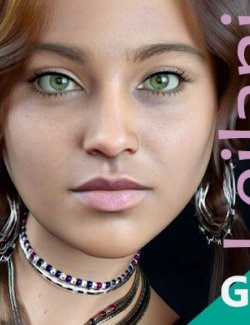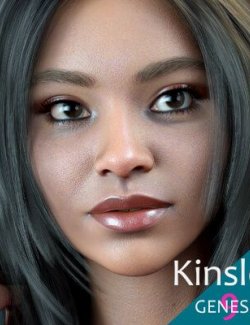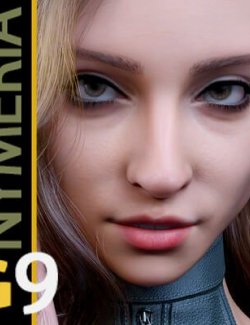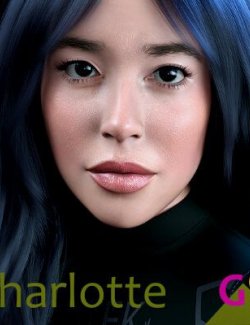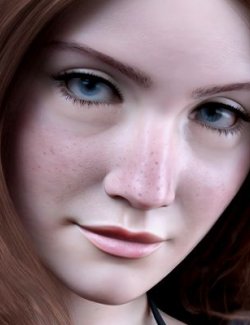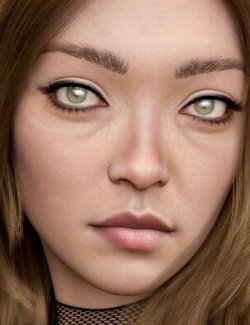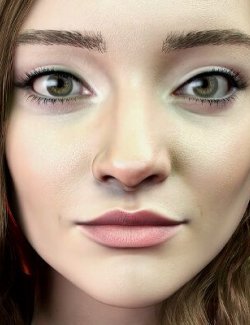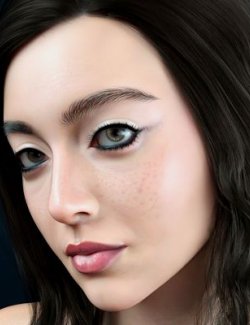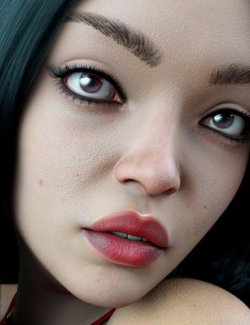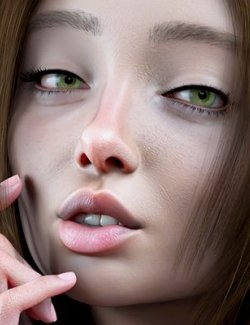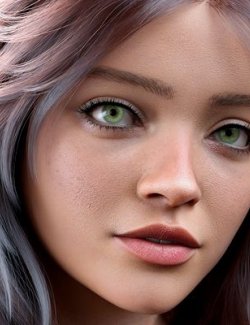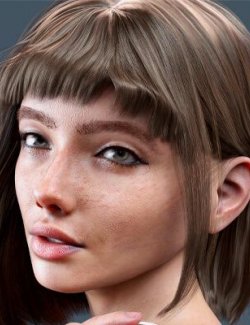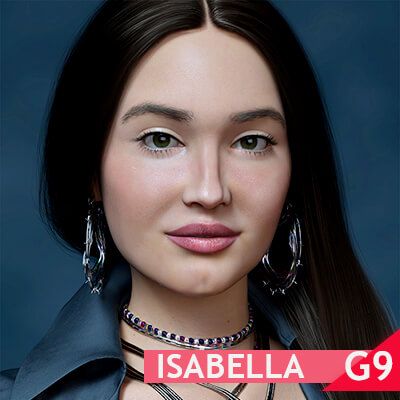
Isabella - Authentic Beauty and Striking Presence.
Meet Isabella, an exclusive 3D character for Daz Studio, crafted to redefine digital realism. At 29, Isabella carries the legacy and strength of her Navajo heritage from Arizona, embodied in her commanding presence and authentic beauty. Her warm skin, deep eyes, and distinctive cultural features tell a story, making her the perfect choice for immersive and emotionally compelling creations.
Every detail of Isabella has been meticulously sculpted to deliver impeccable quality, from the lifelike texture of her skin to her expressive features that convey emotion and depth. An exclusive Renderhub product, designed for those who seek realism and diversity in digital art.
Bring your stories to life with Isabella and take your renders to the next level!
Actors (.DUF)
G3D Isabella For Genesis 9
Wearables (.DUF)
Isabella Eyebrows
Shaping Presets (.DUF)
- Isabella Complete
- Isabella Head
- Isabella Body
Materials Iray (.DUF)
- All PBR Skin
- PBR Skin Genitalia
- Eyebrows Fibermesh Mats
- Black Eyes
- Brown Eyes
- Dark Green Eyes
- Eyes Color Default
- Green Eyes
- Hazel Eyes
PDF files (.pdf)
Textures Include:
44 Texture, Base Color, Bump, Displacement, Height, Glossiness, Normal, Reflection,
Roughness, Specular, Transparency (1024 x 1024 to 4096 x 4096)
-Daz Studio Iray PBR Material Presets (.DUF)
**Important Note:**
Isabella does not come with anatomical support, nipples, or extra belly button morphology.
To address this, I invite everyone to explore the amazing assets available on Renderhub, created by talented artists:
- Chest Geograft Merchant Asset for G9 by Vyusur
- Geograft Nipples for Genesis 9 - Merchant Asset by Rendorgal
- Nipples Add-on for Genesis 9 by Rendorgal
- Geograft Belly Button for Genesis 9 - Merchant Asset by Rendorgal
Isabella supports genital anatomical materials. I created UV Modifiers for her to resolve the lack of a separate genital map.
You can apply it after loading the genital Geograft. A UV modifier, 'Support_F_Gens_Body_UV.dsf,' will automatically make the fix.
Visit the Daz forum for more information on the items above and get all your questions answered, especially if you are new to Daz Studio.
**Note:** Hair, clothing, poses, makeup, expressions, and accessories are not included.
**Save this information** if you still have questions about how to install with *Smart Content support.*
**(*) Support Installation:**
If the support files (stored in runtime/support and ending in .dsx) were manually copied to the correct location, you can right-click on
the Content Library tab and select **DB Maintenance.**
This will provide an option to re-import metadata files, displaying a list of all your products with smart data.
Click on the one you installed manually, and this should install the missing *Smart Content.*