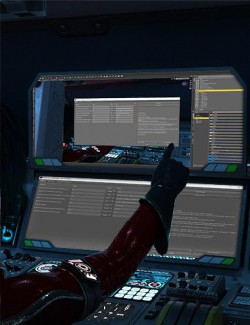
Active Morph Report lists every morph on the selected figure that is not at zero, with its value, and saves the list as a CSV file. It answers the question "what exactly is dialed into this character?" without scrolling through hundreds of sliders in the Parameters pane.
Features
• One window with every active morph, the strongest values at the top.
• Each line shows the morph label, its current value, the dial's own value and its folder, so morphs set by a character preset stand out from dials you moved yourself.
• Optionally includes the morphs on the clothing and hair worn by the figure, without repeating copies that simply follow the body.
• "Save CSV…" writes the list to a file you can open in any spreadsheet.
• Read-only: the script changes nothing in the scene.
How to use
1. Select a figure.
2. Run the script and read the list.
3. Press "Save CSV…" to keep a copy.
Compatibility
• DAZ Studio 4 (Windows).
• Tested with a dressed Genesis 9 figure: the list included a morph set to 0.5 for the test, and the CSV was written.
Included
• One script (.dsa) and a ReadMe. Installs to Content Library > Scripts > AffectionX.