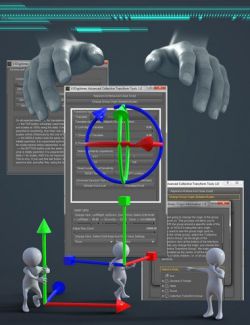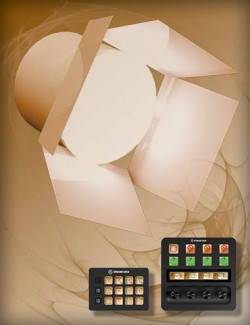
This is our second Scene Tools pack containing DAZ Studio scripts accessed quickly from a custom toolbar.
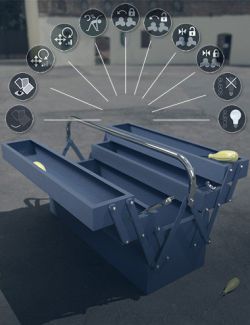
Single-click buttons include:
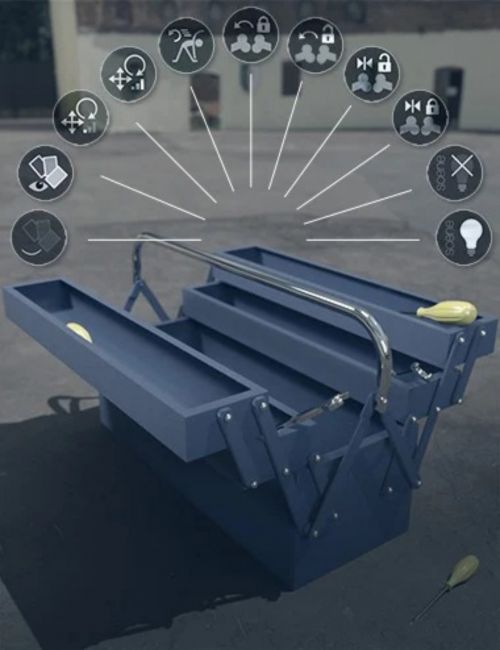
• Quickly hiding or showing the geometry assigned to selected surfaces.
• Adjust the sensitivity of the translate and rotate dials for more accurate adjustments, and then set them back in a simple click.
• Reset the selected node and it's descendants pose to default.
• Lock the selected node and it's descendants translate/rotate.
• Unlock the selected node and it's descendants translation/rotation.
• Unlock the selected node and it's descendants translation/rotation limits.
• Reset the selected node and it's descendants translation/rotation limits.
• Hide any scene lights (including mesh-lights) from being rendered.
• Show any scene lights (including mesh-lights) from being rendered.
What's Included and Features
• Daz Studio 4 Scene Tools Set 2: (.DSE)
• Toolbar 2 Create/Update
• Toolbar 2 Remove
• Hide Geometry of Selected Surfaces
• Show Geometry of Selected Surfaces
• Set Adjustment Sensitivity Slower
• Set Adjustment Sensitivity Normal
• Reset Pose Tree
• Lock Joint Tree Pose
• Unlock Joint Tree Pose
• Unlock Joint Tree Limits
• Lock Joint Tree Limits
• Hide Scene Lights
• Show Scene Lights
Software: Daz Studio 4, DAZ Studio 4 With IRAY