Pack any DAZ Studio scene with everything it needs - and nothing else - into one portable folder.
Moving a DAZ Studio scene to another computer usually ends with a list of missing files, or with a character that opens with the wrong shape. A scene file only points to content in your libraries - and many files it needs are never named in it at all.
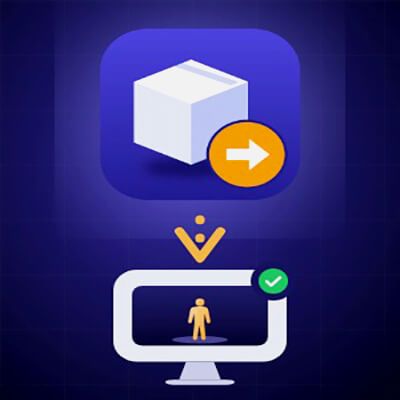
Scene Porter reads your scene and copies exactly the files it uses into a new folder with the normal library structure. Add that folder as a content library on the other computer and open the scene.
- Figures, characters and morphs, including head and body shapes, HD morph data and correctives that a character controller switches on behind the scenes
- Clothing, hair, props, geometry, UV sets, materials and textures
- Only what the scene uses - not whole products, not your whole library
- Automatic self-check: the package is tested as if it were the only library on a new computer
- Optional exact mode: an included DAZ Studio script lists the morphs in effect in your scene, and every one of them is packed
- Detailed report: every file and why it was included; anything missing and why
- Files outside your libraries (e.g. a texture on your desktop) are packed too, and the copy of the scene is relinked to them
- Works with large libraries: morph folders are cached, later runs are fast
- Interface in English, Russian and Spanish
- Never changes your original files
- No installation: unzip and start
- Includes a 13-page illustrated user guide (PDF)
SYSTEM REQUIREMENTS
Windows 10 or 11, 64-bit. Scenes saved with DAZ Studio 4.x or DAZ Studio 6.
DAZ Studio is needed on the computer that opens the packed scene.
PLEASE NOTE
- Geometry Shells are not transferred: DAZ Studio generates them locally. Re-create the shell (or reload the product's shell preset) after opening the scene on the other computer.
- There are many thousands of DAZ products, and some vendors build their files in their own special way. Scene Porter has been tested with many different products, but it cannot be guaranteed to handle every product. For such cases the optional exact mode (morph list) is included.
Use Scene Porter to move or archive your own scenes. Content licences still apply - do not share content you are not allowed to share.