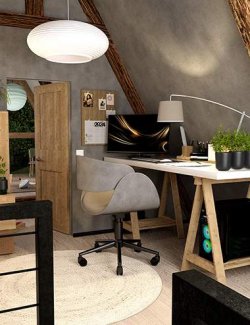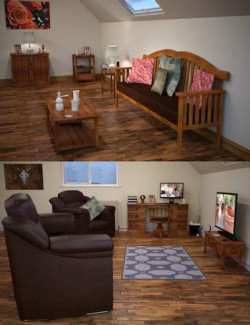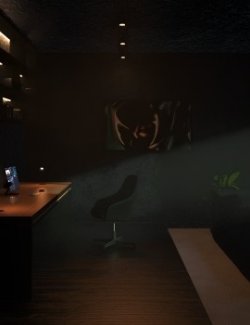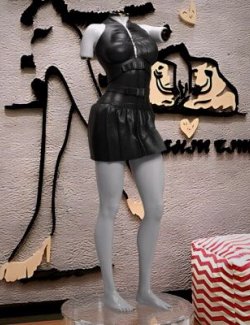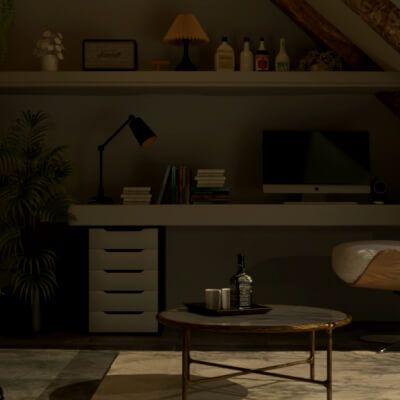
A cozy office with a nice side window and a computer to do all your work.
Features:
- Multiple props (desk, desk with props, lamp, chairs, seats, plants)
Instructions to install and use:
Step 1 : Extract the archive into either your drives or wherever your DAZ library is.
Step 2 : Locate the folder you extracted to and open the folder called Duf File.
Step 3 : Simply open the Duf file or drag it into any scene you want.
Step 4 : NOTE: Daz may give you error that textures were not found however, this is merely DAZ unable to locate it via Standard method. but you can be rest assured all the textures are still present.
Step 5 : Click OK and Stop asking on any missing file errors it may give you, As for the HDRI, you can simply locate and select it in the DAZ Stuff Sub-folders.
Step 6 : Your scene is ready to be used and rendered.
Please let us know if you would like us to work on any new environments in comments.
We also take custom commissions as well for assets, figures, environments and keys (animations).