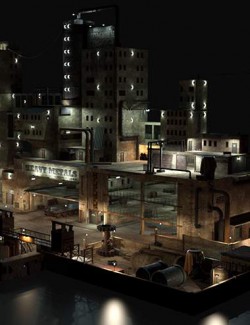
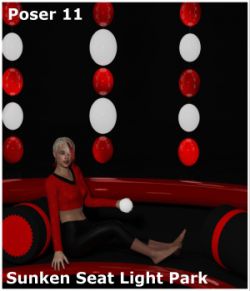
While most if not all enviroments do come with presets , some sadly do not and some's presets just aren't good enough compared to the rest of your workflow , this is where our light editor will help you out
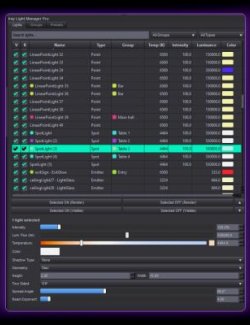
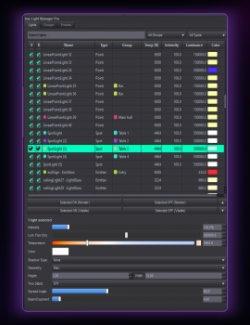
Basically it allows you to mix every light in your scene from one small panel. It works on real lights and on glowing props like lamps, neon, screens and string lights. Switch them, solo them, brighten them, warm or cool them, or give them any color.
All in one solo panel instead of browsing through each light in the parameters option , has strength and other toggles for your preference as well with ability to save presets.
Features:
- Finds every real light and glowing surface automatically, grouped by prop
- On/Off, Solo, Brightness (0-300%) and Warm-Cool for each light
- Colour bar on every light: pick any colour (blue, purple, anything) with DAZ's colour picker, plus "Orig" to put it back
- All On / All Off, Night Mode (dims the sky, keeps lamps on), Live Iray preview
- Save and load your mixes as named Looks
- Reset puts everything back exactly; every change is undoable
- Originals are stored in the scene, so nothing is ever lost
How to use:
1. Open your scene.
2. Double-click Light Mixer (Content Library > Scripts > Pulse Haven > Light Mixer).
3. Tick Live Iray to watch changes live.
4. Use the ticks, sliders and colour bars on any light.
5. Save your mix as a Look, or click Reset to go back.